
Instonic: All in One Social Media Video Downloader App for Android
Instonic is an HD video downloader app for Android, free on Google Play, that saves public videos, Reels, photos, and audio from TikTok, Instagram, Facebook, X, Threads, Pinterest, and Reddit. Copy a post link, paste it into the app, pick a quality, and the file saves to your phone. You never log in to any social media account.
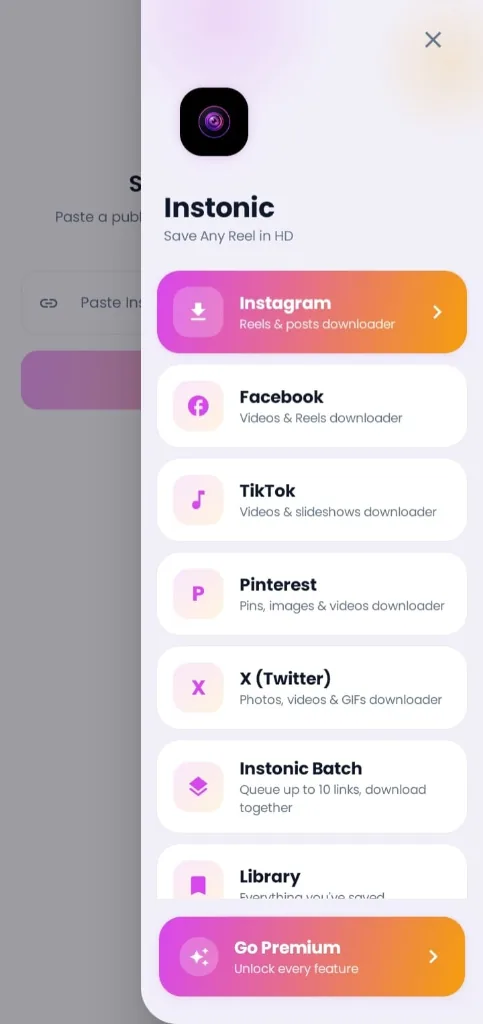
Instonic at a glance
- Platform
- Android, on Google Play
- Price
- Free with a daily download limit, plus optional Premium
- Saves
- Videos, Reels, photos, carousels, pins, and audio
- Quality options
- 1080p, Normal, or Data Saver
- Login needed
- No, only the post link
How to Download Videos From Social Media in 3 Steps
If you've wondered how to download videos from social media without juggling five different tools, this is it. Every platform works the same way in Instonic, so you only learn it once.
- 1
Copy the link. In any supported app, tap Share, then Copy link.
- 2
Open Instonic. The app spots the copied link and fills it in for you. If it doesn't, tap the link box and paste it yourself.
- 3
Pick a quality and save. Choose 1080p, Normal, or Data Saver, then tap Download.
Prefer fewer taps? Share the post straight to Instonic from any app's Share menu. It's the quickest way to download social media videos without switching between apps. Because it works from a URL, Instonic is a link video downloader app at heart, or a URL video downloader if you prefer that name. If you can copy the link of a public post, you can save it.
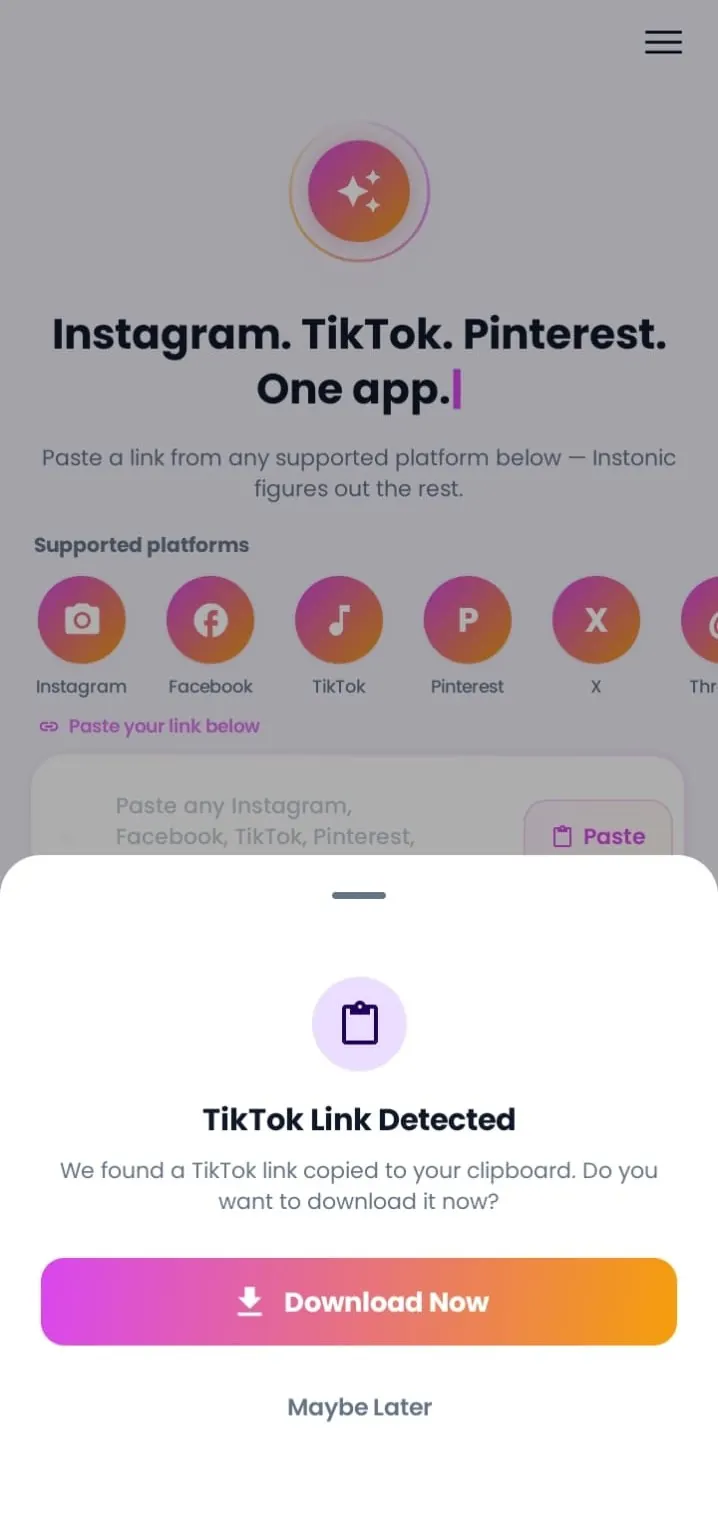
One Social Media Video Downloader for Every App
Most people keep a different saver for each platform. Instonic replaces all of them with a single all in one video downloader app. Here's what it saves from each platform:
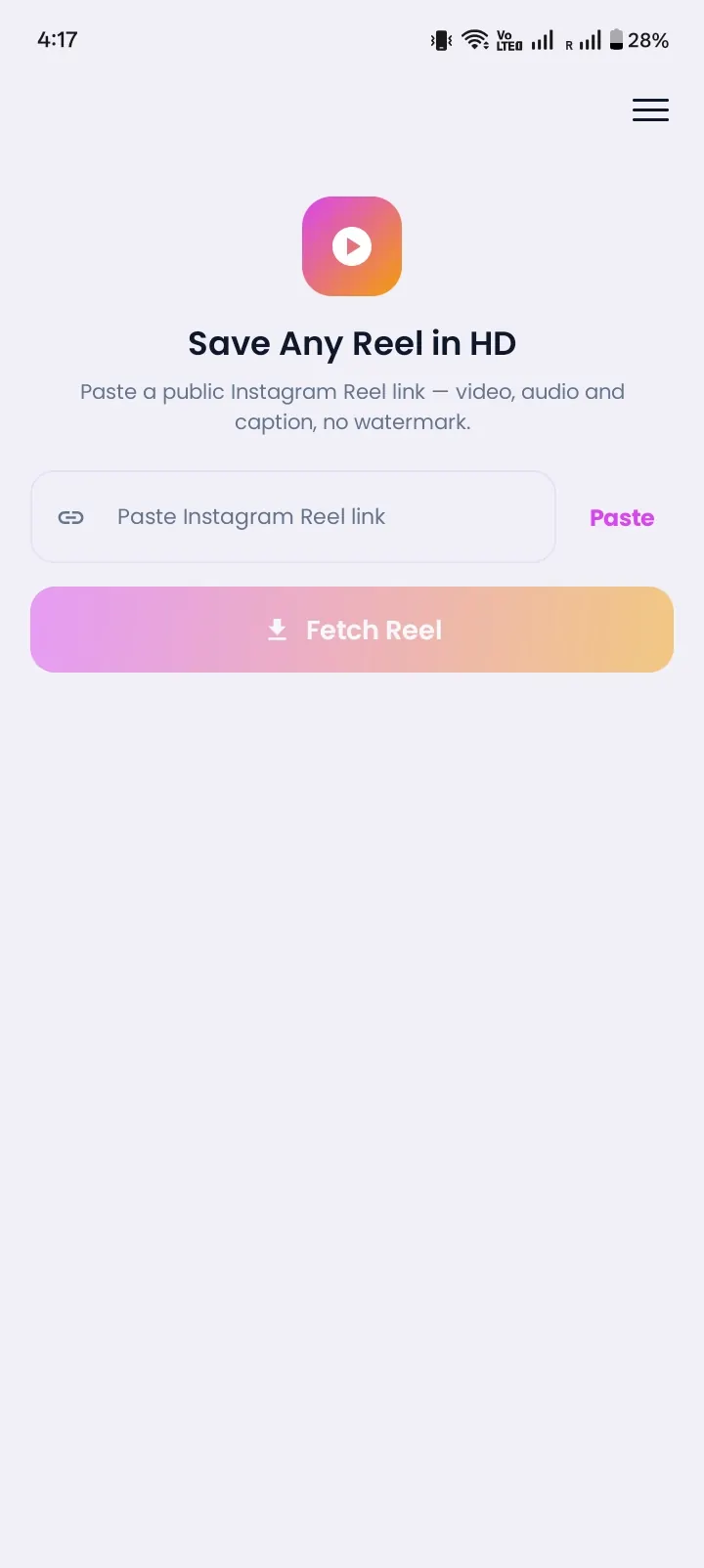
Reels, videos, single photos, and carousel posts. Learn more on the Instagram Reels downloader app page.
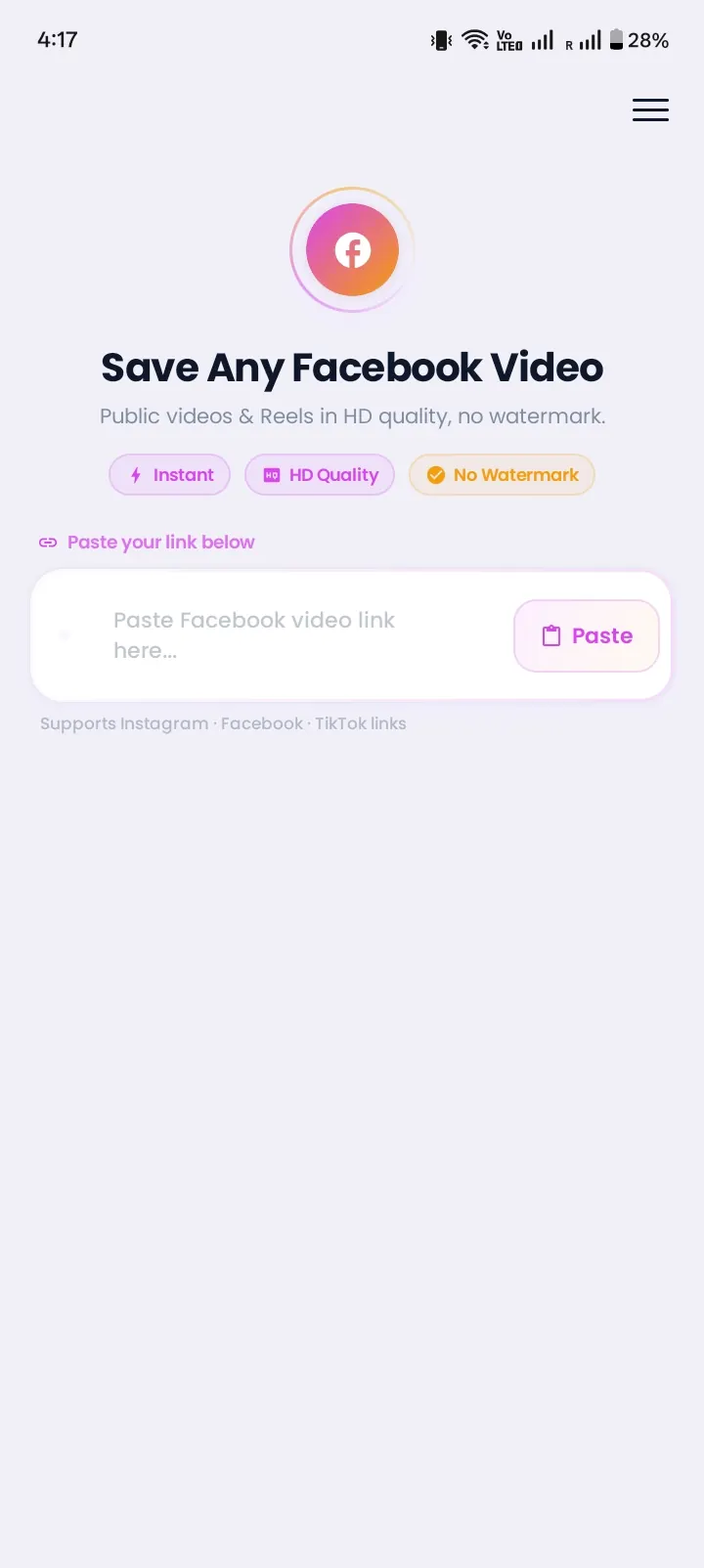
public videos and Reels.
X (Twitter)
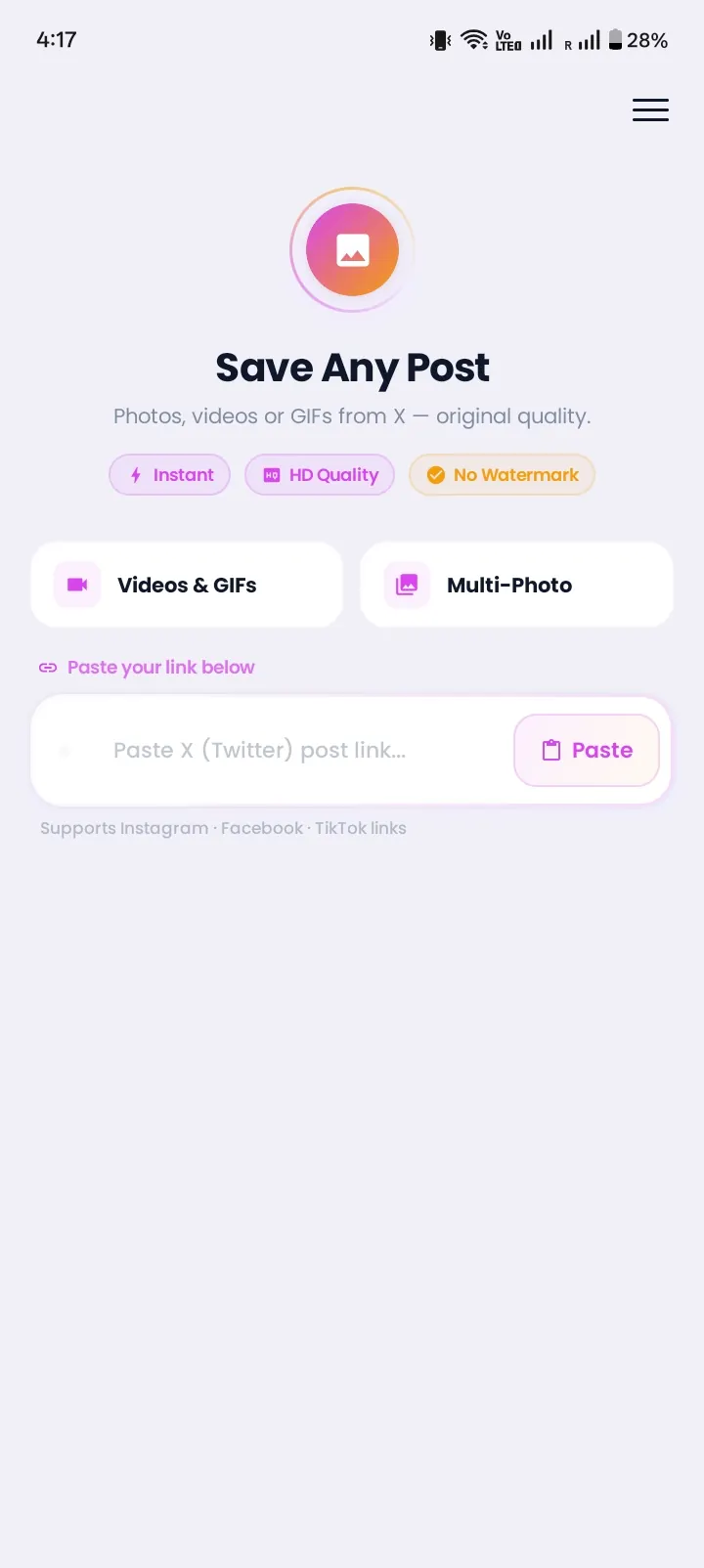
videos and images from public posts.
video pins, image pins, and slides.
videos and images from public posts.
That's why people searching for an all video downloader app, any video downloader app, an all social media video downloader, or simply a social video downloader end up here. One app, one library, one way of doing things.
More Than a Video Saver App
Saving the file is only the start. Instonic is a full video saver app for Android, a video downloader and saver with tools for what happens next.
HD Downloads, Your Way
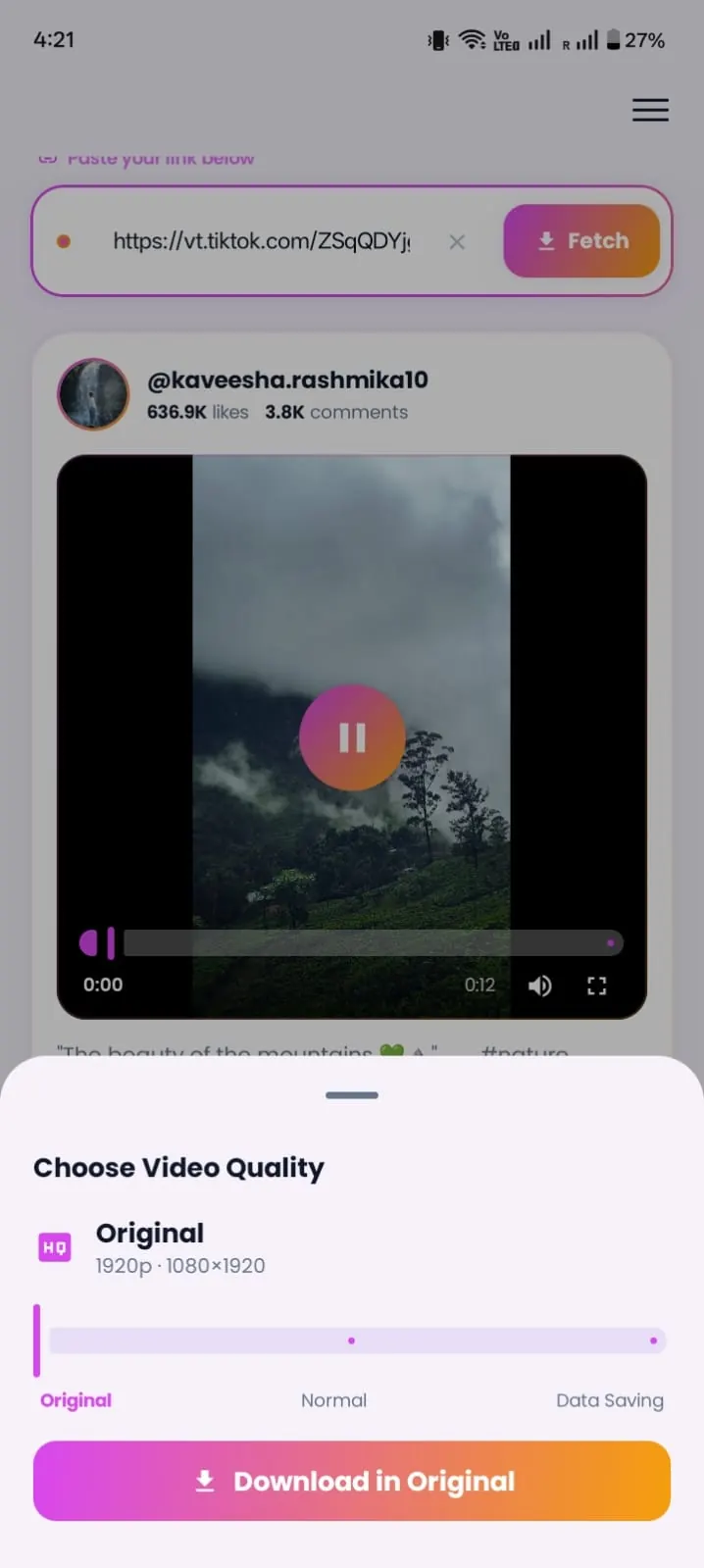
Pick 1080p when the original supports it, Normal for everyday saves, or Data Saver when you're low on mobile data. Whether you need a short video downloader app for quick clips or something that handles longer videos, Instonic saves the file the platform already has. It never makes a video sharper than its original upload, but it won't make it worse either.
Photos, Carousels, and Pins Too
Instonic works as a photo video downloader and a full media downloader app. Save one picture from a carousel or all of them at once, plus Pinterest image pins.
Batch Downloads
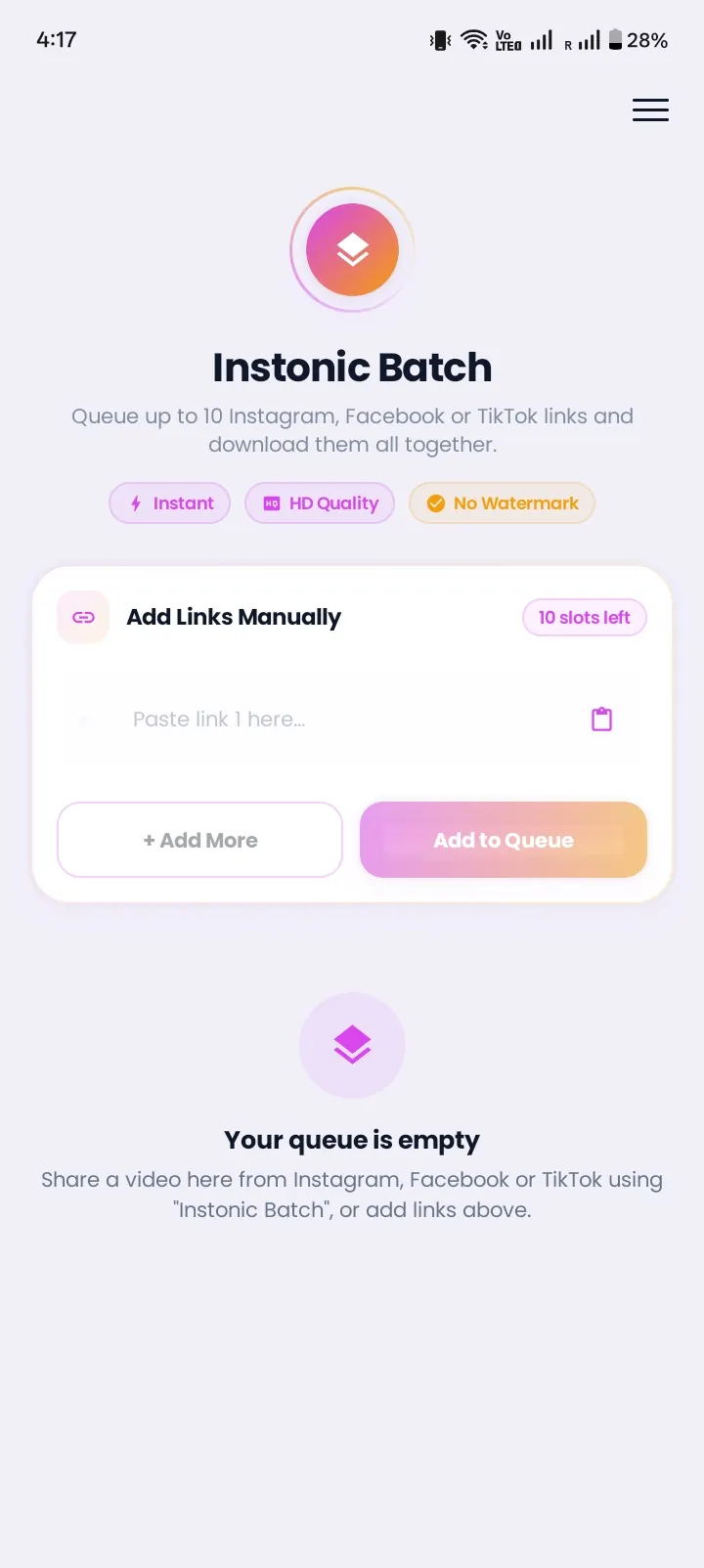
Queue several links and let them download one after another. This batch video downloader is part of Premium, and it turns Instonic into a fast video downloader for people who save a lot at once.
Audio Extractor
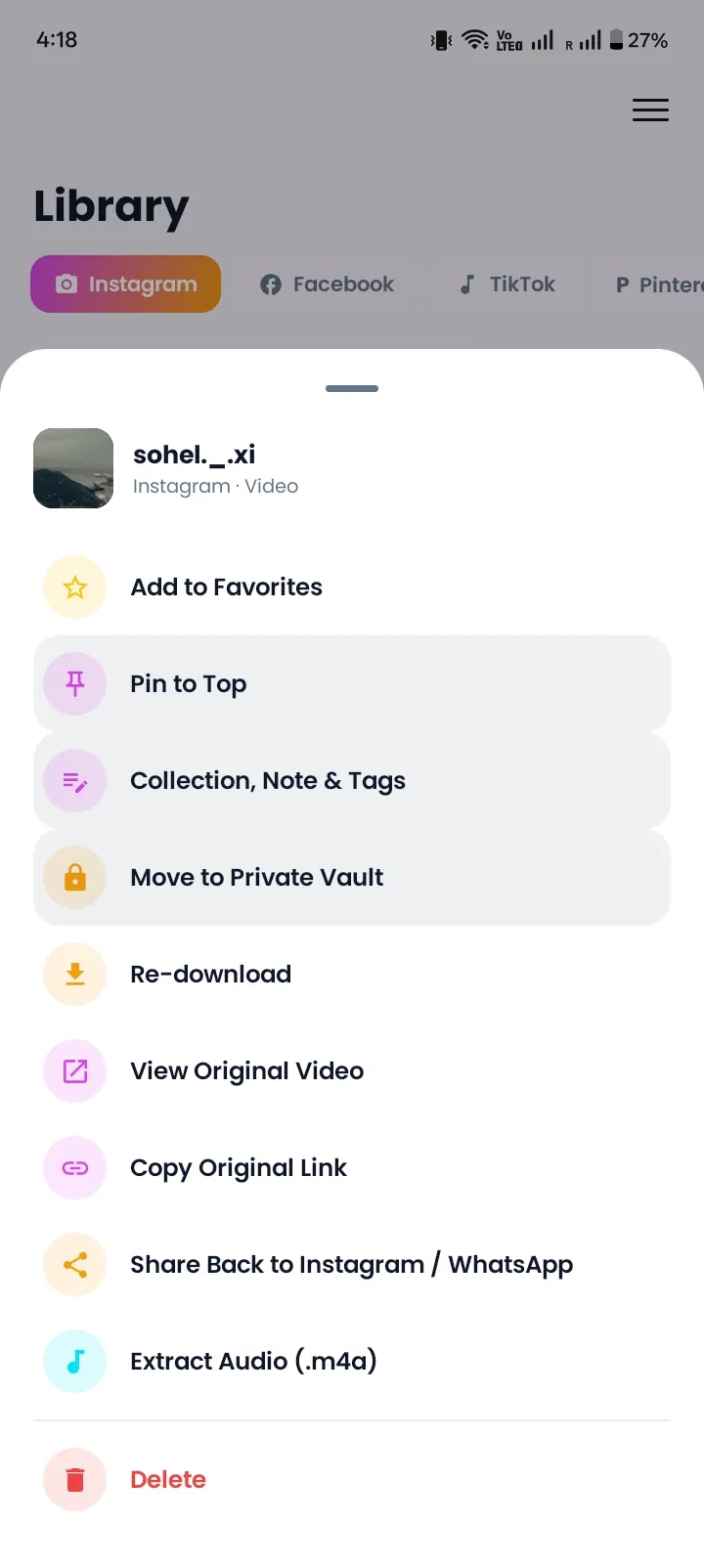
Pull the sound out of any saved video and keep it as an M4A audio file. If you were looking for a video to MP3 app, this does the same job: M4A plays on any phone and in most music players. Use it to keep a song, a speech, or a funny voice line without the video taking up space.
GIF Maker
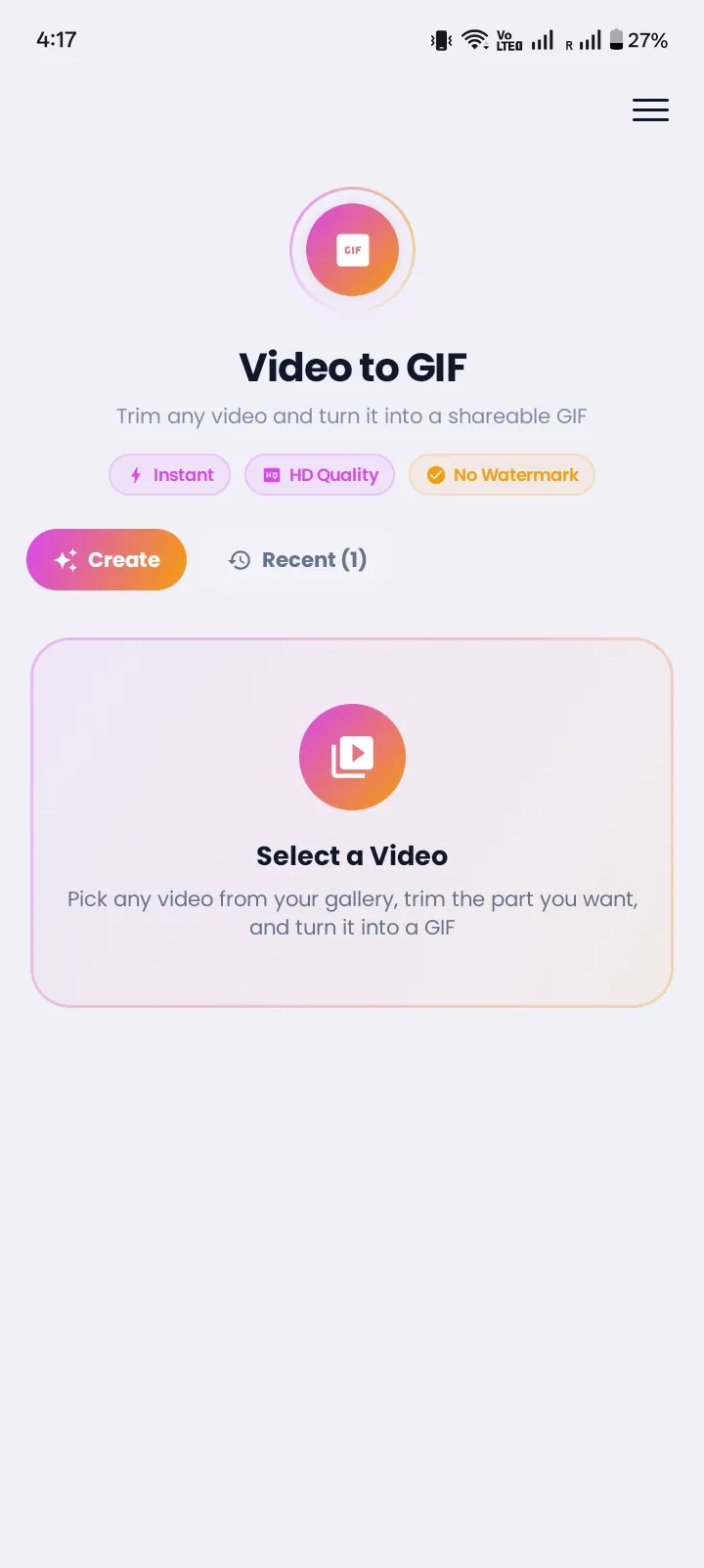
Turn a short moment from a saved video into a GIF you can send in chats.
Library, Collections, and Offline Player
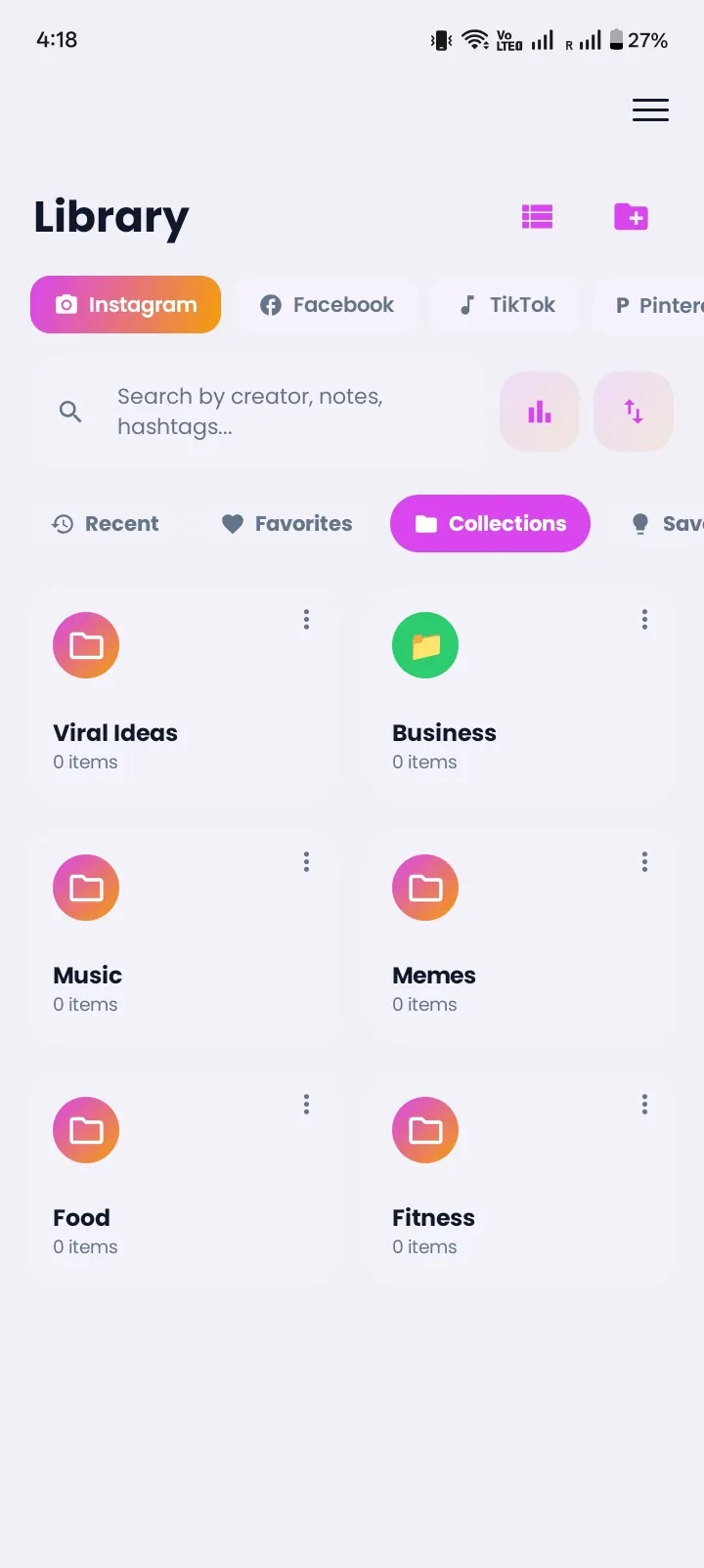
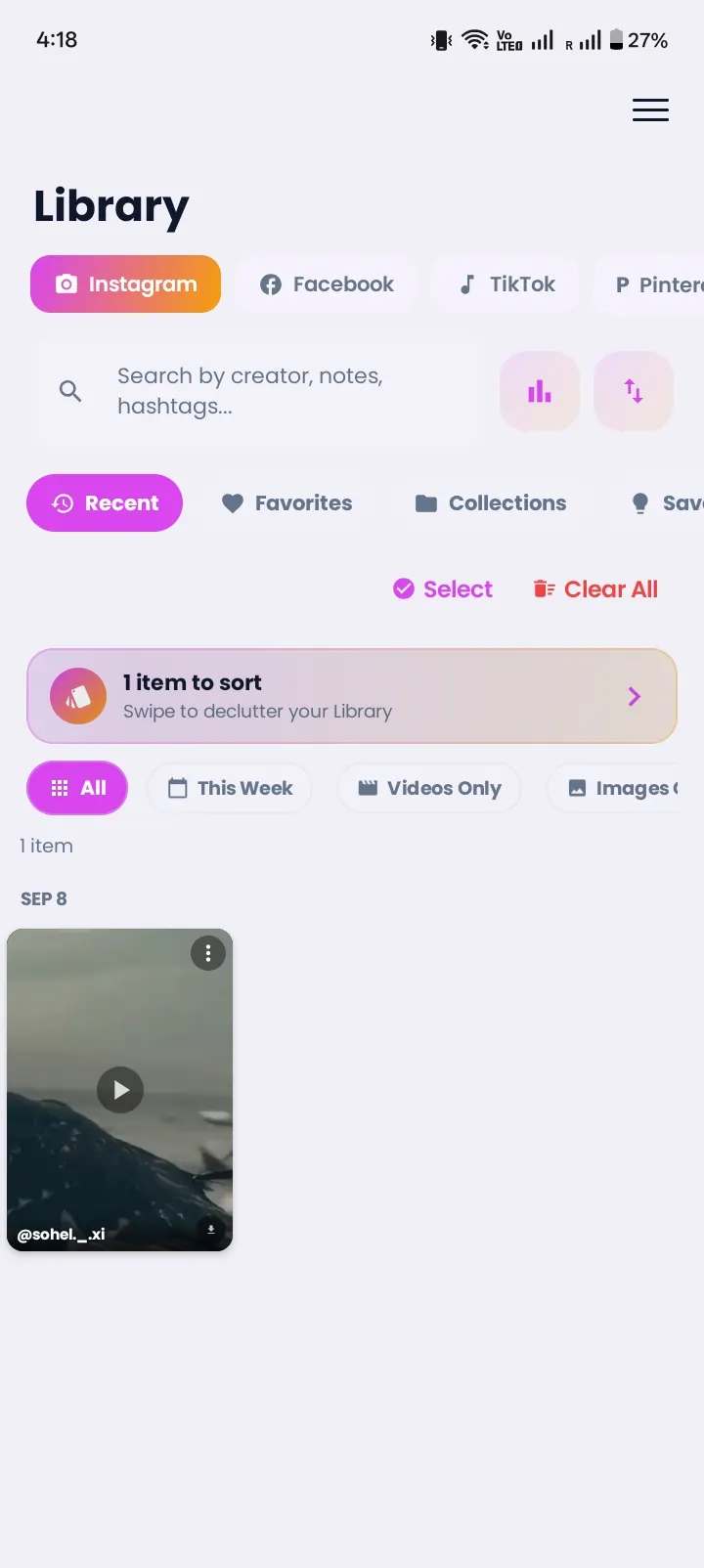
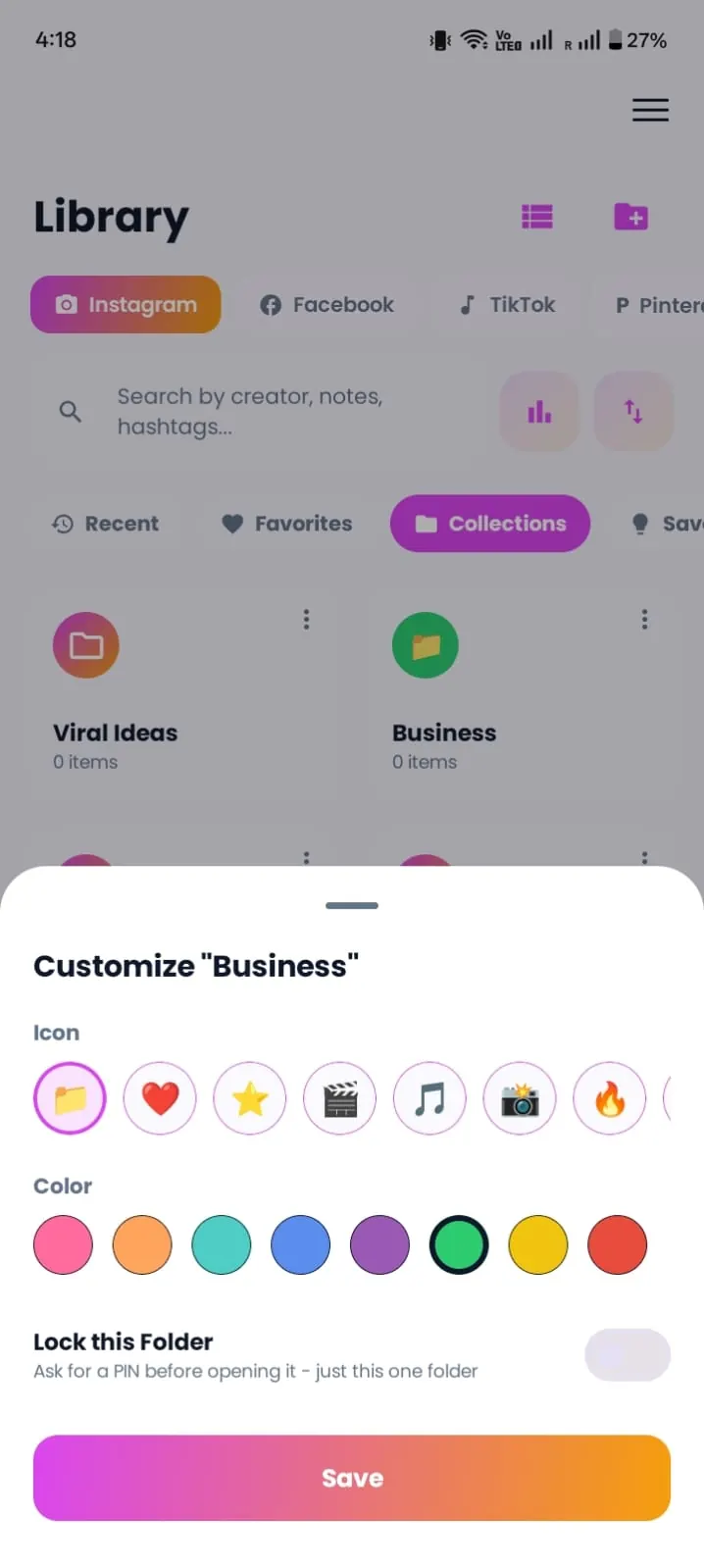
Short clips and long videos all land in your Instonic library, so it's as useful as a video downloading app as it is a video organizer. Sort files into collections, search them, and watch everything offline. It's a video downloader and player in one, so you don't need a separate offline video player app.
Private Vault
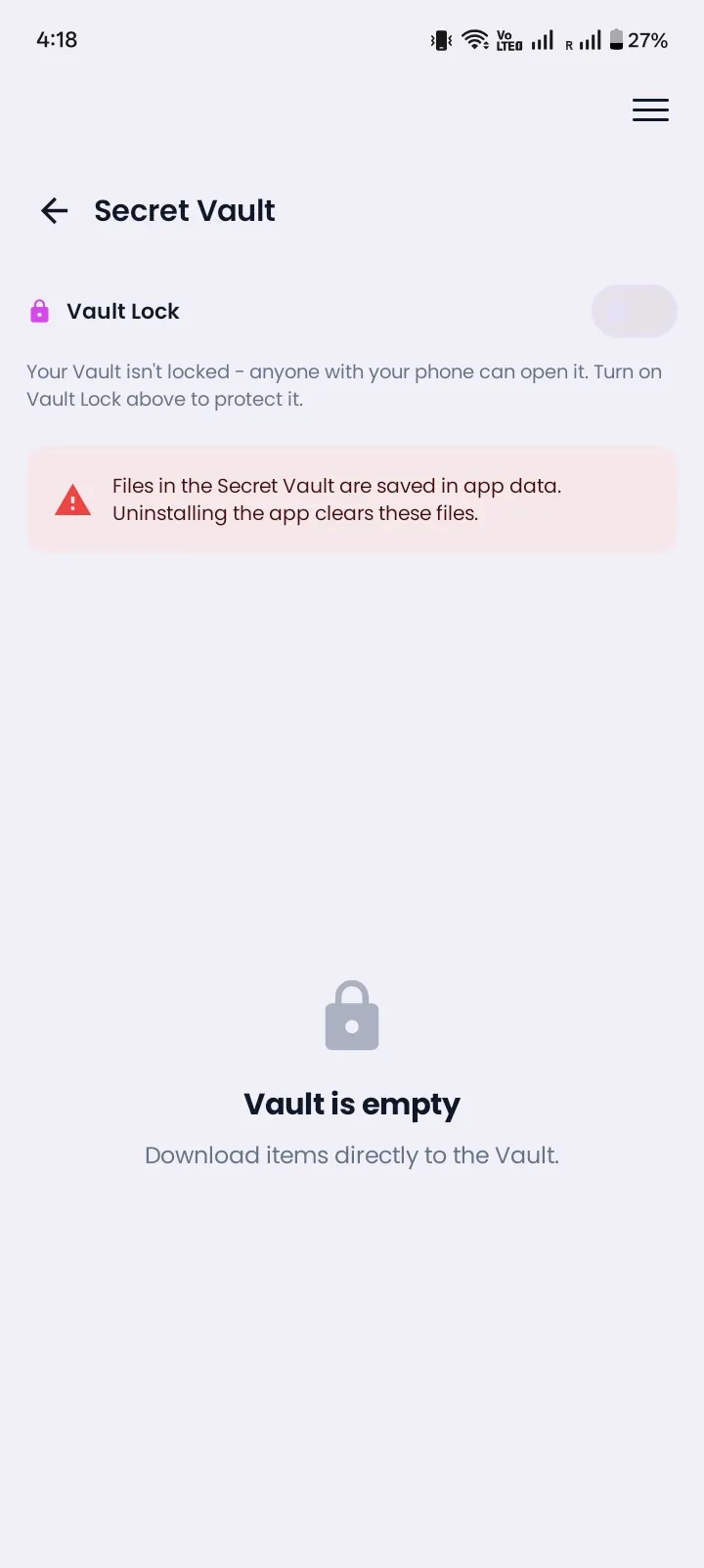
Lock selected videos and photos in an encrypted vault protected by a PIN.
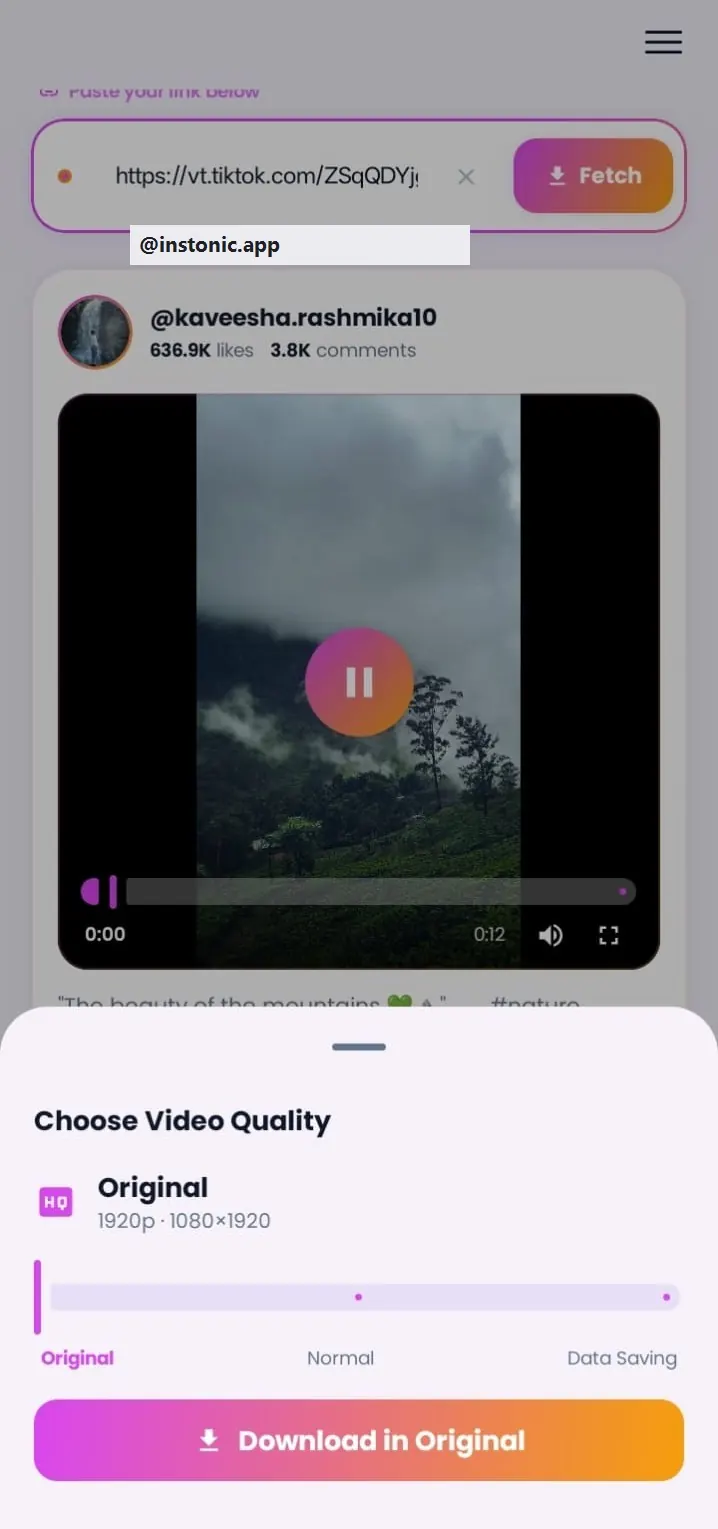
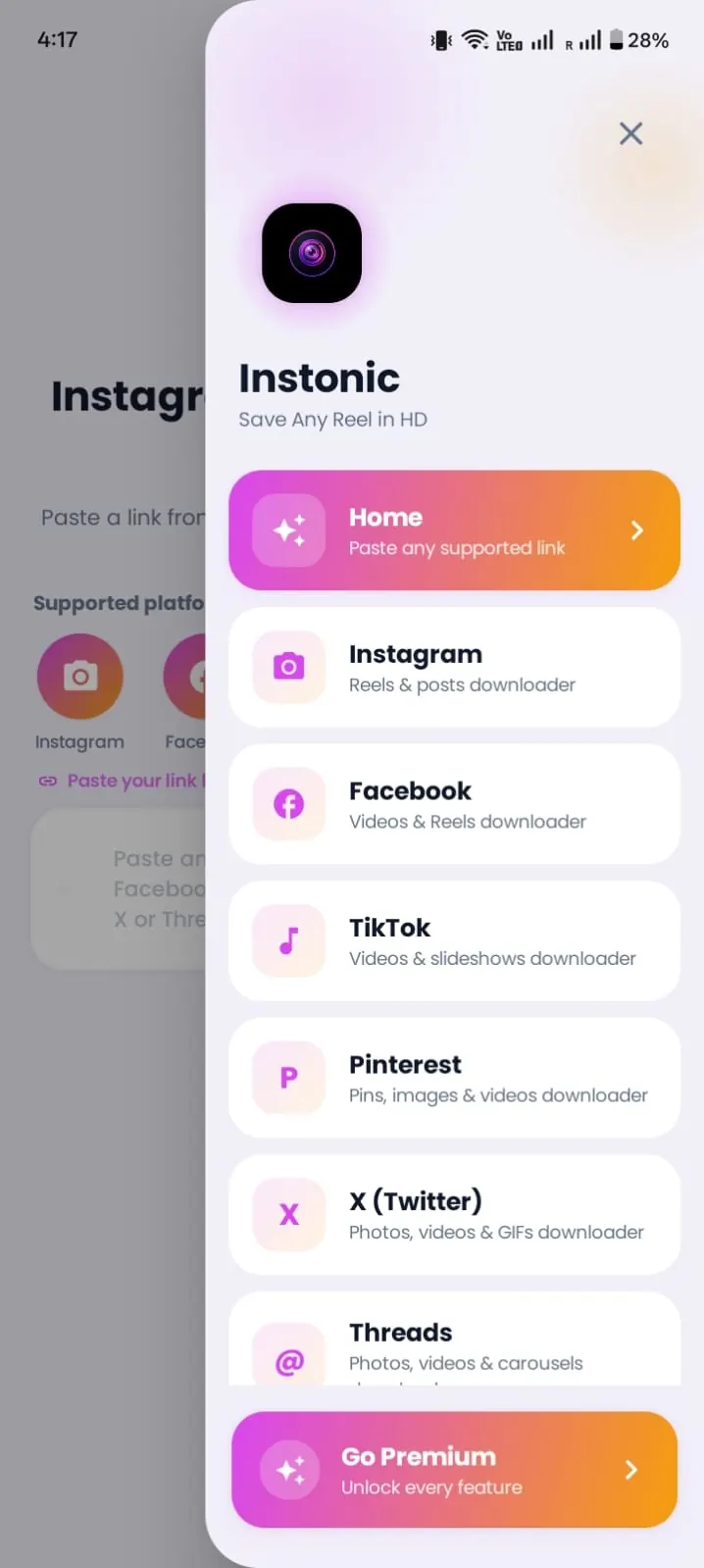
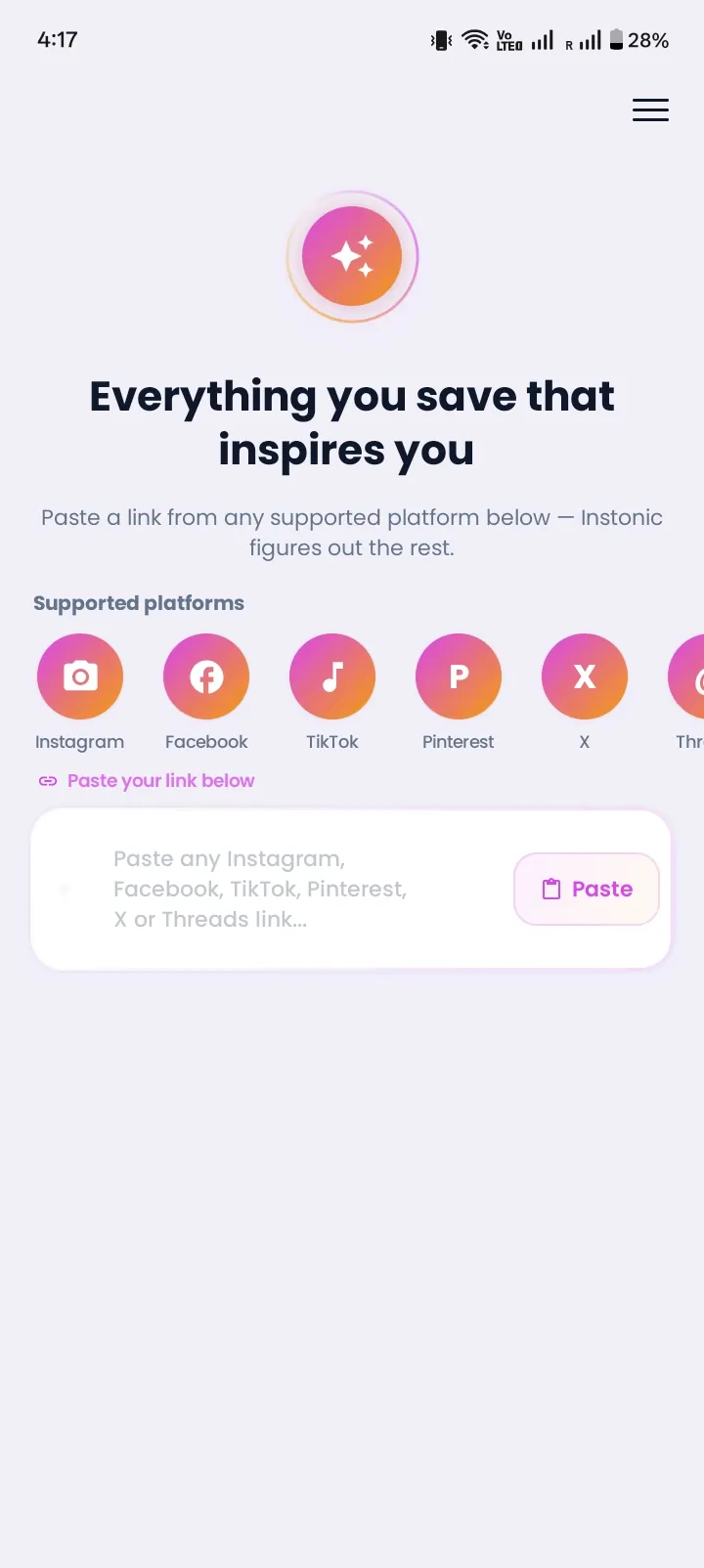
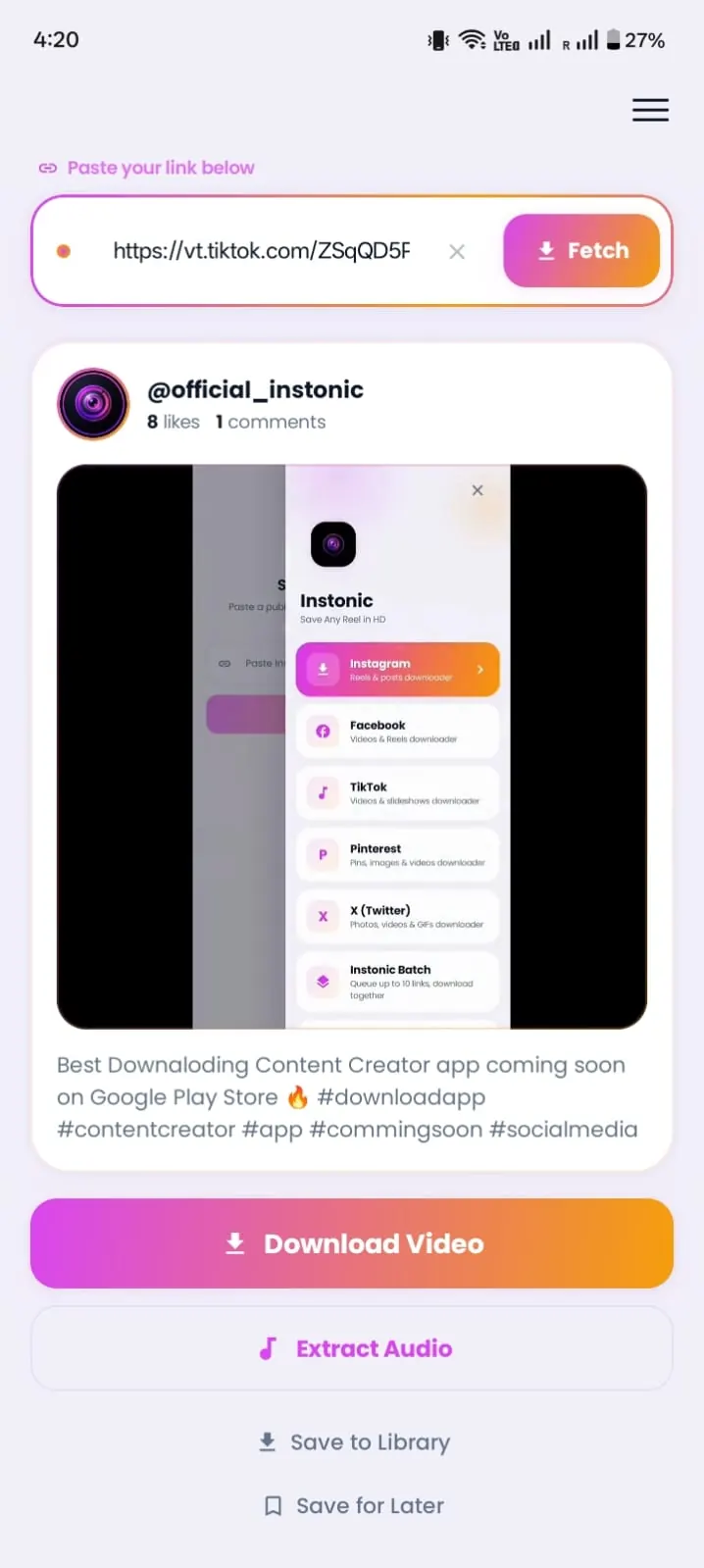
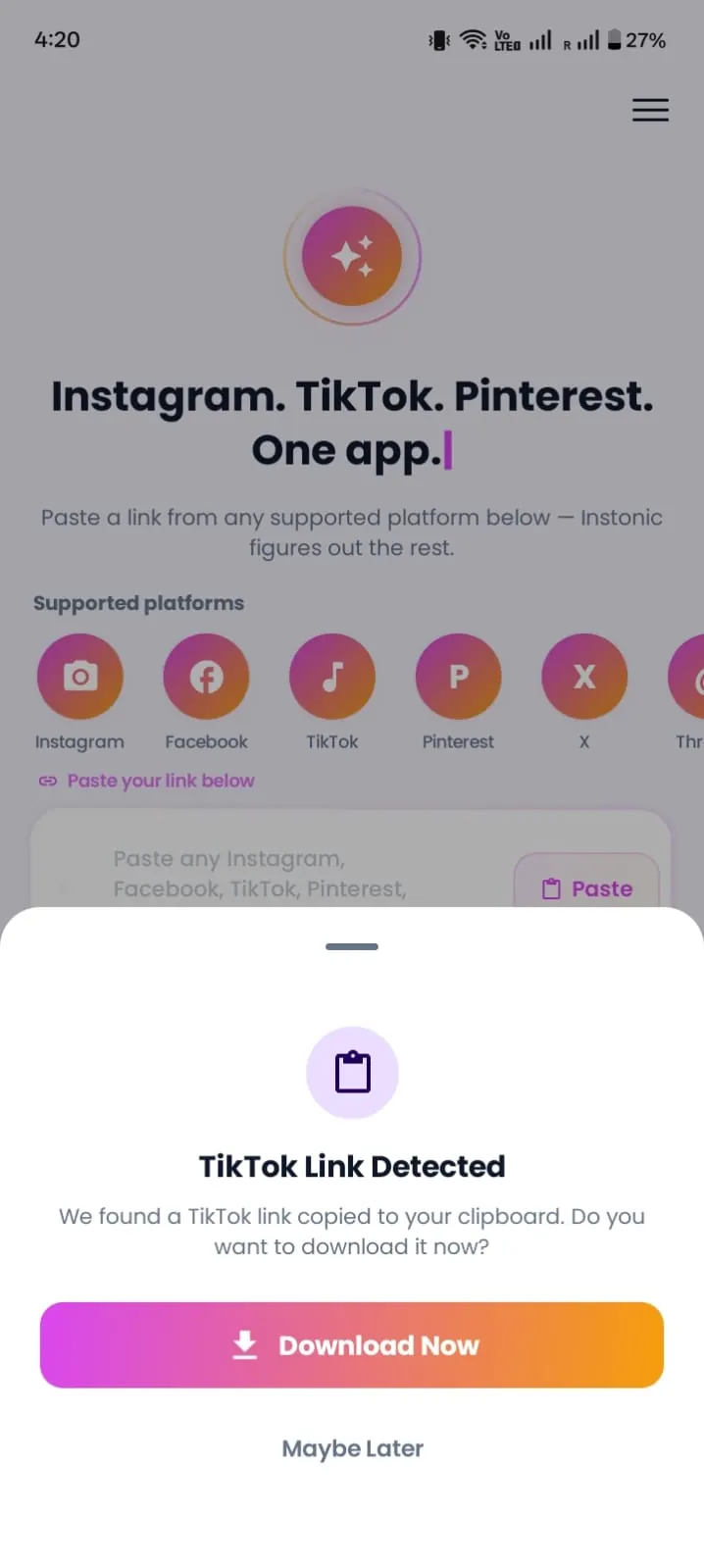
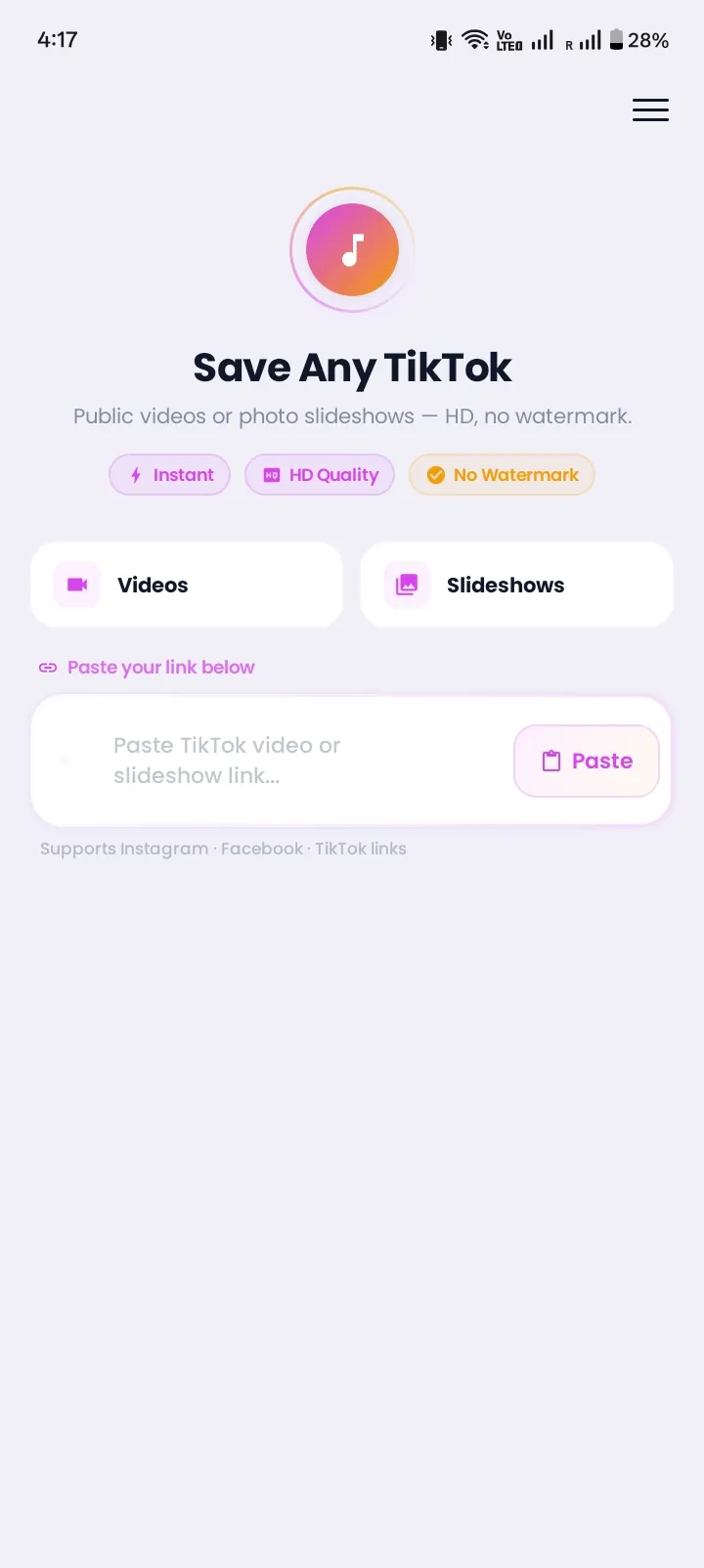
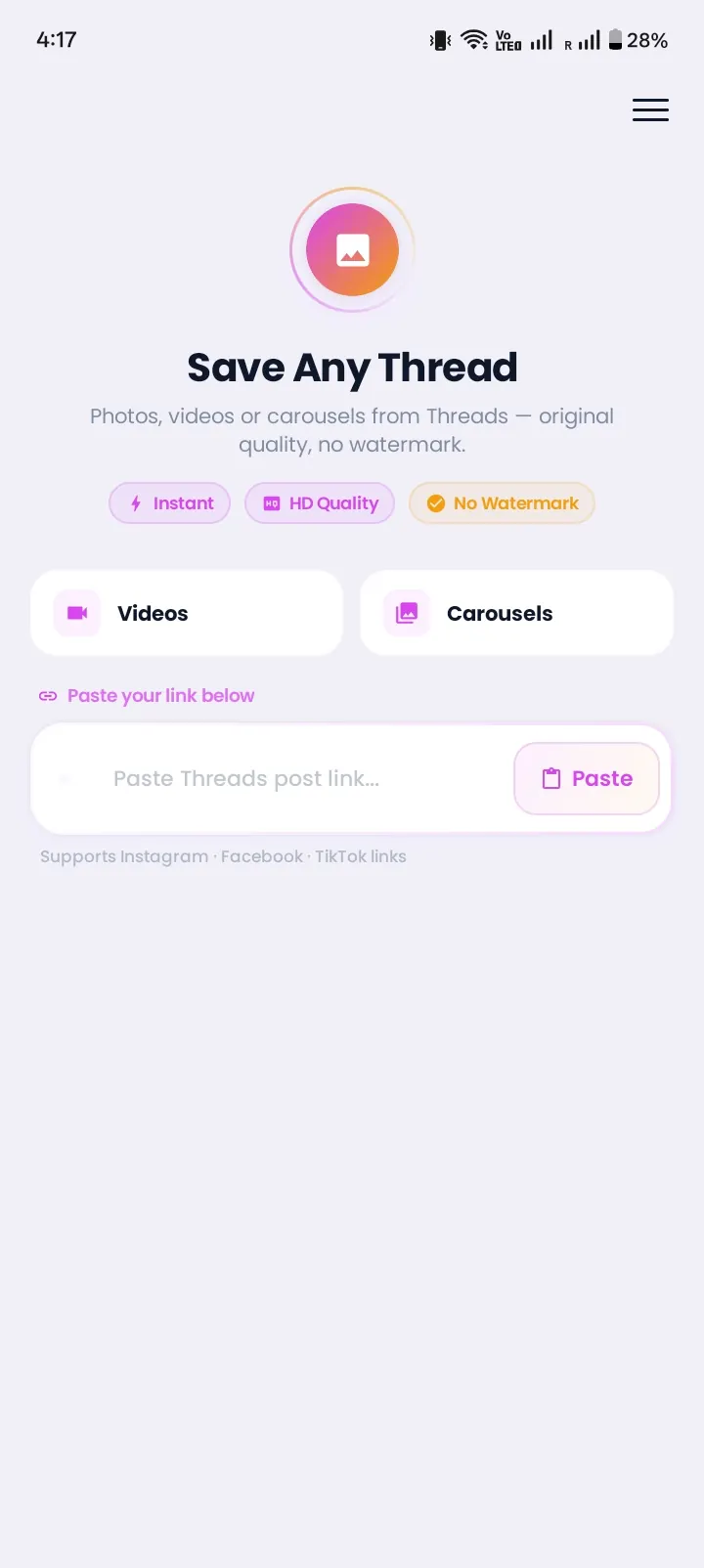
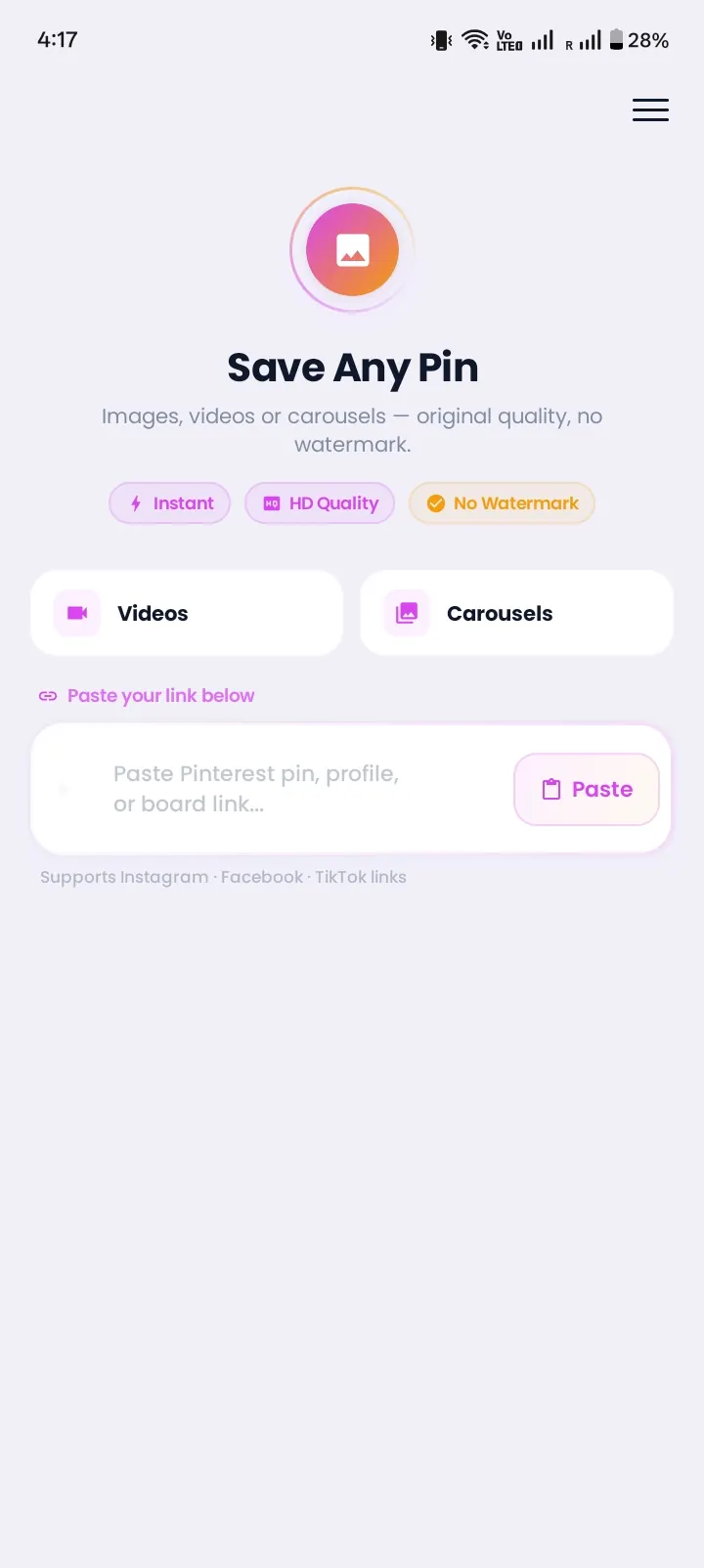
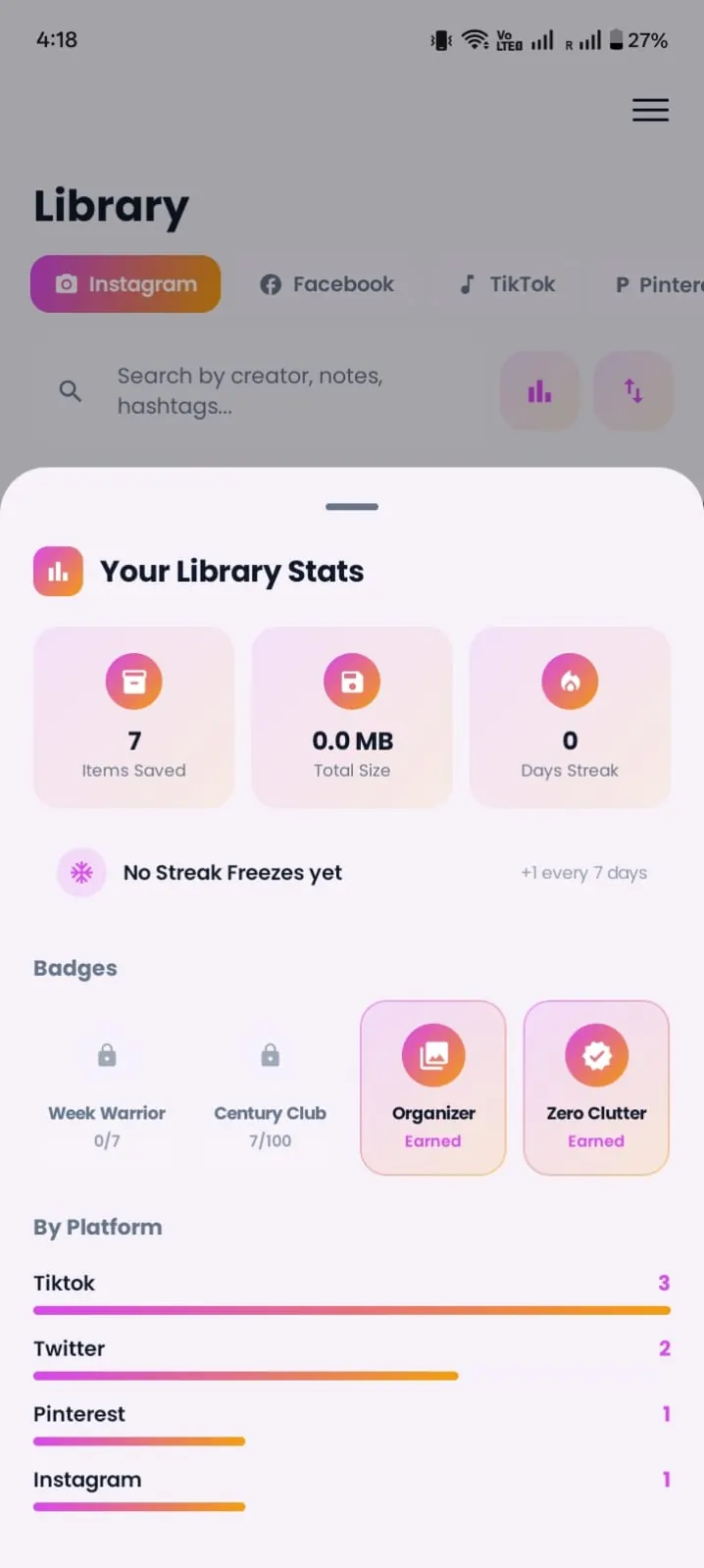
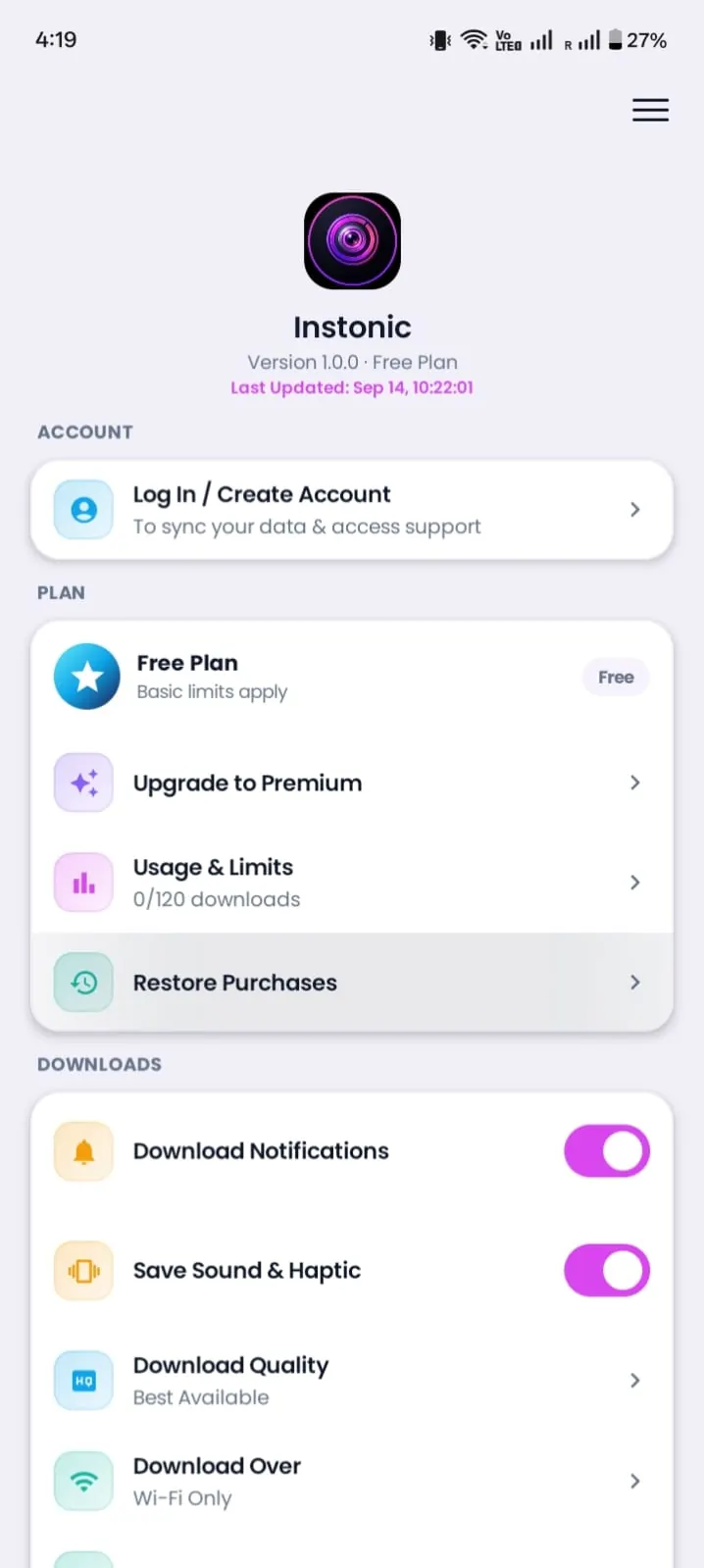
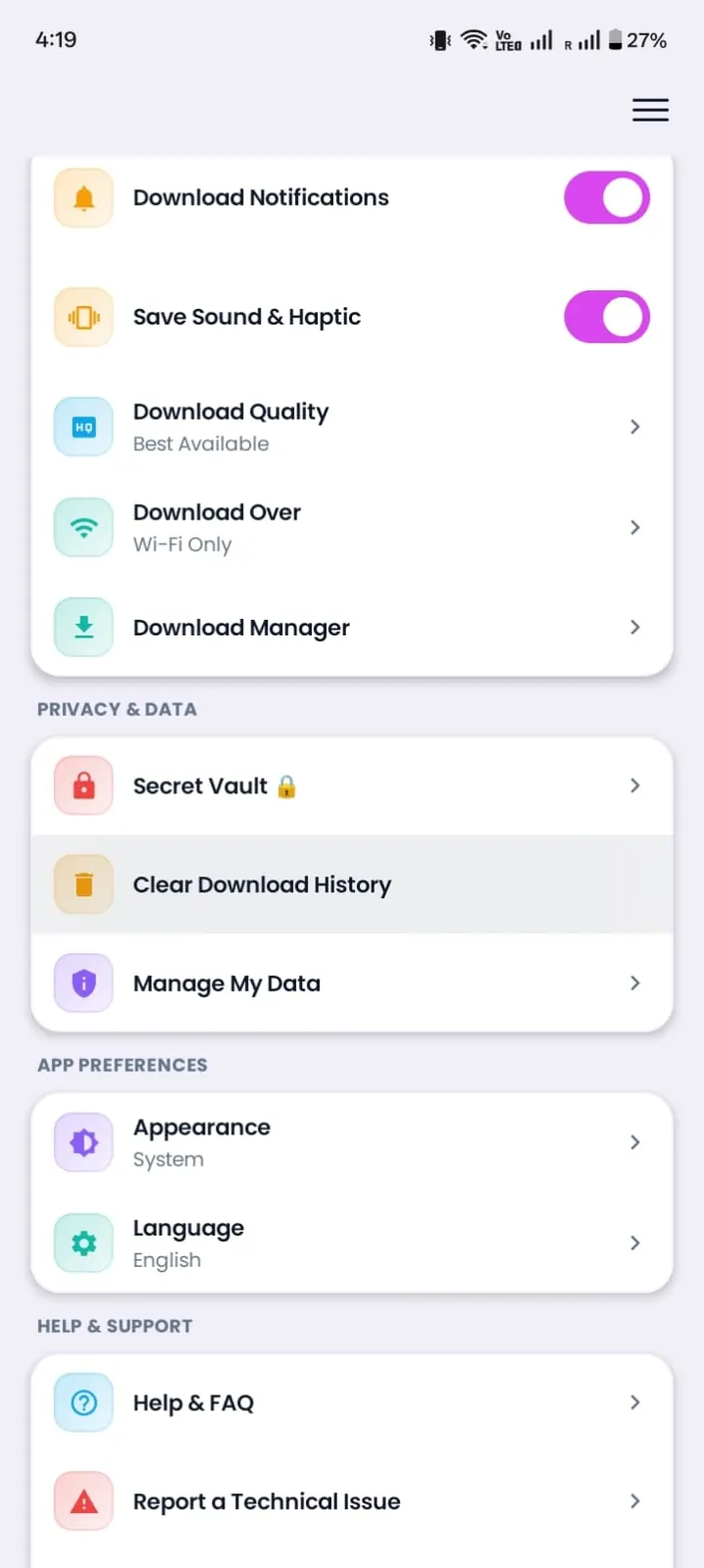
Explore Instonic App Interface
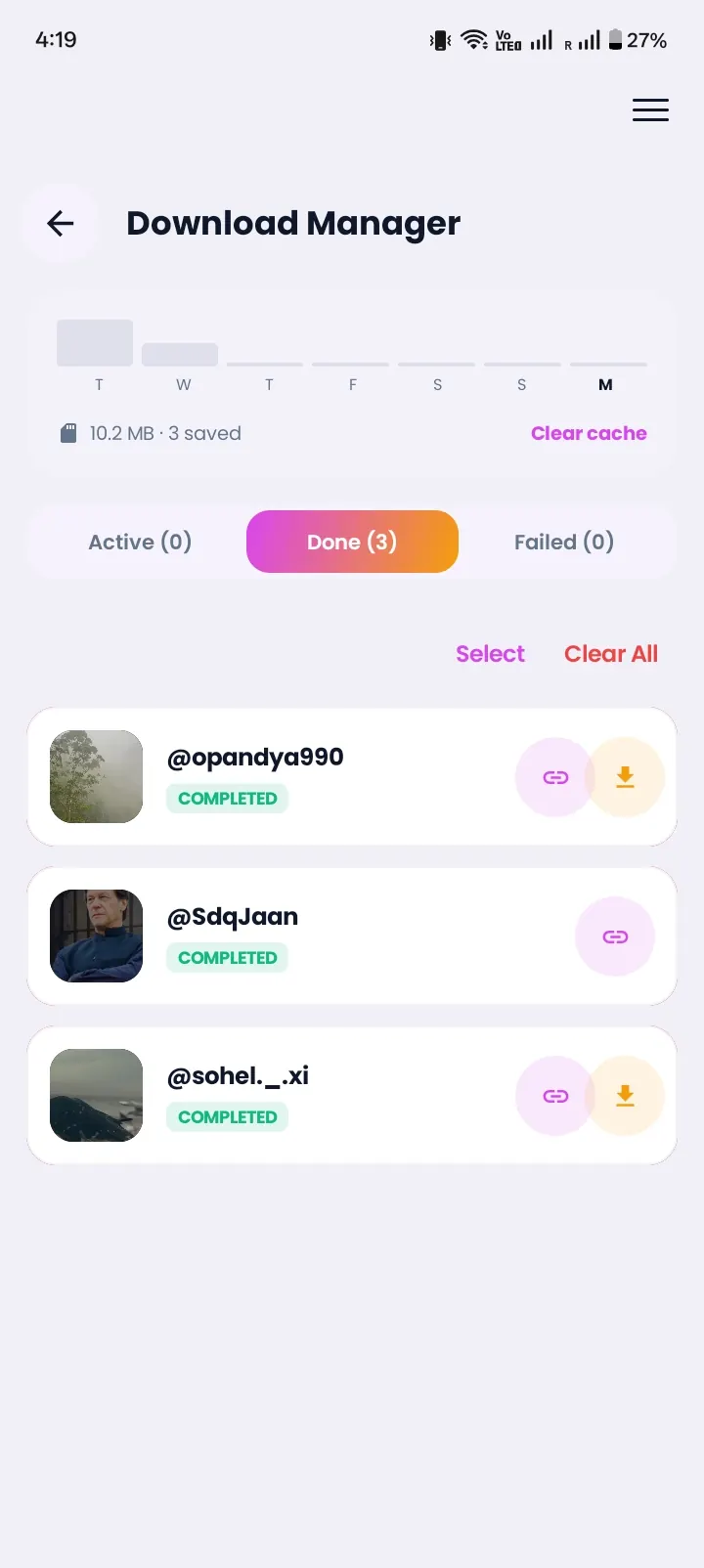
Take a detailed walkthrough of all screens inside the Instonic Android application — arranged in natural user flow sequence from onboarding to secret vault.
How to Choose the Best Video Downloader App for Android
There's no single "best app to download videos" for everyone. Whether you call it the best app for downloading videos or the best Android video downloader, a safe video downloader passes these seven checks. Use them before you install any app, including ours:
It's on Google Play. Install files from random websites can hide malware. Apps on Google Play go through Google's review.
It never asks for your social media password. A downloader only needs a post link. Any app that wants your login is a red flag.
It lets you choose quality. You should see your options before you download, not after.
It handles more than one platform. An all-in-one downloader app that covers several apps saves storage and keeps your files together.
It's clear about limits. Honest apps tell you they can't save private videos. Apps that promise "any video, even private" are not being truthful.
It keeps files organized. A library with search beats digging through your gallery.
It asks only for permissions it needs. Saving files needs storage access. A downloader that also wants your contacts, location, or messages is asking for more than the job requires.
Instonic is built around all seven. When people ask which is the best social media video downloader or the best video saver app, these checks matter more than any ranking list.
When a Download Doesn't Work
Most failed downloads come down to a few simple things. Check these first:
The link is incomplete. Copy it again from the Share menu instead of the address bar or a screenshot.
The post is private or deleted. Instonic can only save public posts that are still online.
You hit the daily limit. Free downloads reset every 24 hours, or you can switch to Premium.
Your connection dropped. Open the download manager and retry the file. Data Saver mode helps on slow networks.
You can't find the file. Open your Instonic library first. Every saved video, photo, and audio file is listed there, even if your gallery hasn't refreshed yet.
What Instonic Won't Download
Being clear here saves you time. Instonic does not download:
- Videos from private accounts
- Restricted or password-protected content
- Posts that have been deleted
These limits aren't a bug. Private posts are visible only to approved followers, so no honest app can reach them without someone's login, and Instonic never asks for one. It only works with public posts from links you give it.
Privacy First, No Login Needed
A social media downloader app should never need your password, and Instonic doesn't ask for it. There's no Instagram, TikTok, or Facebook login, and no account to create inside the app. You paste a link, and that's all the app needs.
Saved videos belong to the people who made them. Download for personal viewing, ask creators before reposting, and give them credit when you share.
Download Instonic Free on Google Play