
Threads Video Downloader App: Save Threads Videos on Android
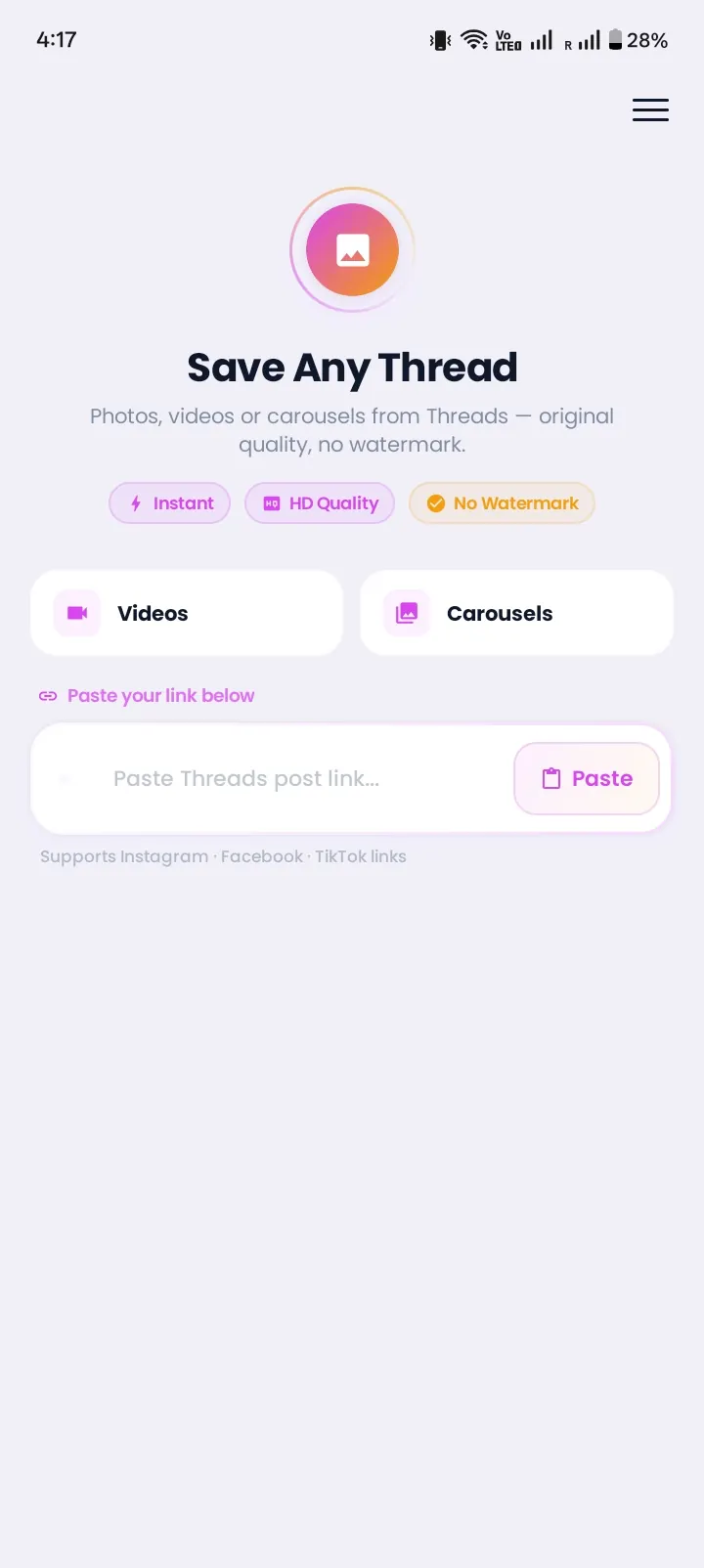
Instonic is a free threads video downloader app for Android. It saves Threads videos and photos straight to your phone, so you can watch them later, even without internet. Copy the post link, paste it in the app, and tap Download. You don't need to log in to Threads or share your password.
Why Threads Doesn't Let You Download Videos
Threads has no download button for videos. You can watch a clip as many times as you want, but you can't keep a copy on your phone from inside the app.
Many people tap the Save option and think the video is now on their phone. It isn't. Save only adds the post to a private list inside Threads. No file is made, nothing goes to your gallery, and you still need internet to watch it.
So most people end up screen recording. That works, but the video often comes out blurry, the screen buttons show up in the clip, and the sound can be missing. A dedicated app saves the real video file instead.
How to Download Videos from Threads on Android
Here is how to download Threads videos on Android with Instonic:
- 1
Install Instonic from the Google Play Store and open it once.
- 2
Open Threads and find the video you want to keep.
- 3
Tap the Share icon under the post, then tap Copy link.
- 4
Paste the link in Instonic.
- 5
Pick a quality from the options the video offers.
- 6
Tap Download. The video saves to your phone and to your Instonic library.
There is an even faster way. In Threads, tap Share and choose Instonic from the list of apps. The app picks up the post for you, so there is no copying and pasting.
What You Can Save with the Instonic Threads Downloader App
Instonic is more than a video saver. Here is what the threads downloader app can do with a Threads post:
Videos
save public Threads videos as files on your phone.
Photos
save single photos or every image in a multi-photo post.
Audio
pull the sound out of a video and keep it as an audio file, like a video to MP3 tool.
GIFs
turn a short moment from a saved video into a GIF you can send in chats.
Captions
copy the post text with one tap.
Everything you save lands in one library. You can sort files into collections, add tags and notes, mark favorites, and search when you need something fast. The built-in player lets you watch saved videos offline, and the private vault keeps selected files behind a PIN.
App vs Screen Recording vs Saving in Threads
Here is how the three ways to keep a Threads video compare:
| Feature | Instonic app | Screen recording | Save in Threads |
|---|---|---|---|
| Real video file on your phone | Yes | Yes | No |
| Original quality | Yes | Often lower | Not a file |
| Clean video, no screen buttons | Yes | No | Not a file |
| Watch offline | Yes | Yes | No |
| Works for photos too | Yes | Screenshot only | No |
| Time per video | A few seconds | Full video length | A few seconds |
If you want a real copy that looks the way it did on Threads, an app to download Threads videos is the only one of the three that does it.
What to Look for in a Threads Video Downloader App
Not every downloader on the Play Store is worth installing. Before you choose a threads video downloader app, check these five things:
- 1
It is on Google Play. Apps from the Play Store go through Google's checks. Skip random install files from websites.
- 2
It never asks for your Threads password. A downloader only needs the post link. If an app wants you to log in, don't use it.
- 3
It lets you choose quality. You should see the quality options before you download.
- 4
It keeps your files organized. A library with search saves you from digging through your gallery later.
- 5
It does more than one thing. Photo saving, audio, and GIFs in one app means fewer apps on your phone.
Instonic checks all five. It is on Google Play, works with links only, shows quality options, and keeps every download in a searchable library.
Common Problems and Fixes
The link doesn't work.
Make sure you tapped Copy link in Threads and pasted the full link, not the post text.
The video is from a private account.
Instonic only saves public posts. If the account is private, the video can't be downloaded.
I can't find the video in my gallery.
Open the Instonic library first. Your file is there, and from your gallery app you can check the folder where downloads are kept.
The download stopped.
Check your internet, then open the download manager in Instonic and tap retry.
Save Threads Videos the Right Way
Threads videos belong to the people who made them. Save them for personal viewing. If you want to repost a video, ask the creator first and give them credit.
Get Instonic on Google Play