How to Download TikTok Videos on Android (and Save Them to Your Gallery)
 Instonic Team
Updated
7 min read
Instonic Team
Updated
7 min read
 TikTok
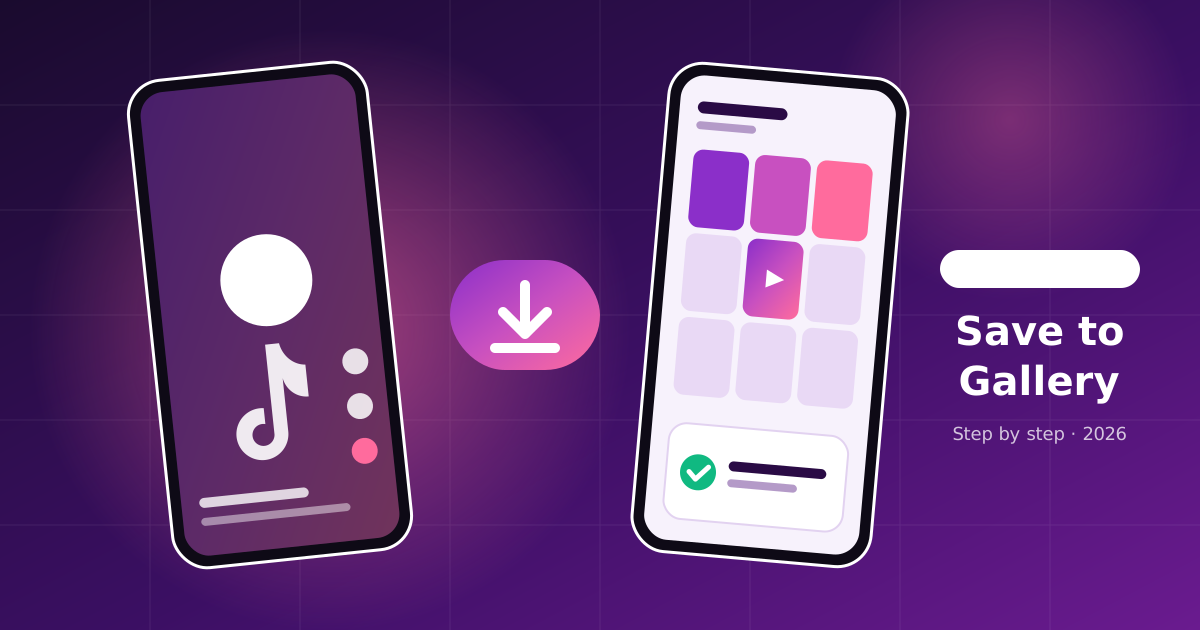
 To download TikTok videos on Android, open the video, tap Share, then tap Save video. If that option is missing, copy the video link and paste it into a downloader app or website. The saved file goes to your phone's gallery or Downloads folder.
That's the short answer. Below, you'll learn how to download TikTok videos in every situation, including why the Save button sometimes disappears, where the files go, how to keep them sharp, and what to do when a download fails.
Quick answer
- Easiest way
- Share → Save video, inside TikTok
- When Save is missing
- Share → Copy link → paste into a downloader
- Where files go
- Gallery, or the Downloads folder in your Files app
- Can't be downloaded
- Private videos and deleted videos
Section 01Favorites vs. Download: Which One Actually Saves the Video?
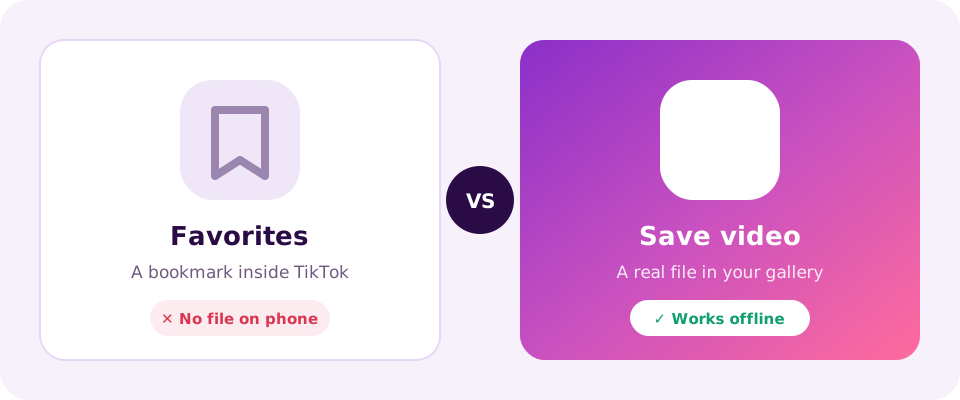
Only Save video puts a real file on your phone. Tapping the bookmark (Favorites) does not.
This mix-up is common. When people search "how to save on TikTok," many are thinking of the bookmark icon. Here's the difference:
| Feature | Favorites (bookmark) | Save video (download) |
|---|---|---|
| Where it lives | Inside the TikTok app | On your phone |
| Works offline | No | Yes |
| Can share on WhatsApp as a file | No | Yes |
| Disappears if the creator deletes it | Yes | No |
If you want to keep a recipe, a workout, or a funny clip for later, download it. Favorites can vanish the moment the creator deletes the post.
Section 02How to Download TikTok Videos With the Save Button
Here's how to save a TikTok video to your gallery using TikTok's own option:
- 1Open the TikTok video you want.
- 2Tap the Share arrow on the right side.
- 3Tap Save video in the bottom row.
- 4Wait for the progress circle to finish.
- 5Open your Gallery to find the clip.
This is the fastest way, and it needs no extra app. The saved video does include the TikTok logo and the creator's username, plus a short logo clip at the end.
Section 03How to Download TikTok Videos With a Link
If the Save button isn't there, here's how to download TikTok videos using the link instead:
- 1Tap Share on the video.
- 2Tap Copy link.
- 3Open a downloader app or website.
- 4Paste the link and tap Download.
- 5Choose the quality if you're asked.
On Android, an app is usually quicker for this than a website because you can share the link straight into it. Instonic, for example, is a free TikTok video downloader app that saves the video from its link and keeps it in a library you can watch offline.
This method only works for public videos. No app or website can download a video from a private account.
Section 04Why the Save Button Is Missing on Some TikToks
The Save video option is missing when downloads are turned off for that video. There are three common reasons:
The creator turned off downloads.
Any creator can switch off downloads for their posts in their privacy settings.
The video is from a younger user.
TikTok limits downloads on videos from teen accounts as part of its safety settings.
The account is private.
Videos from private accounts can't be downloaded by anyone outside their approved followers.
Want your own videos to be downloadable? This is how to make your videos savable on TikTok: go to Profile → Menu → Settings and privacy → Privacy → Downloads, and turn downloads on. Menu names can change slightly between app versions.
Section 05Where Do Downloaded TikToks Go on Android?
Downloaded TikToks usually show up in your Gallery right away. If you can't find one, check these places:
Gallery app
look in the "TikTok" album or "Recent" items.
Files app → Downloads
videos saved from a browser or downloader often land here first.
The downloader's library
many apps keep a copy inside the app, too.
If the video is in Downloads but not in your Gallery, restart the Gallery app or your phone. Android sometimes takes a moment to scan new files.
Section 06How to Download TikTok Videos in HD (Not Blurry)
To get the sharpest copy, always download from the original post, not a screen recording or someone's re-upload.
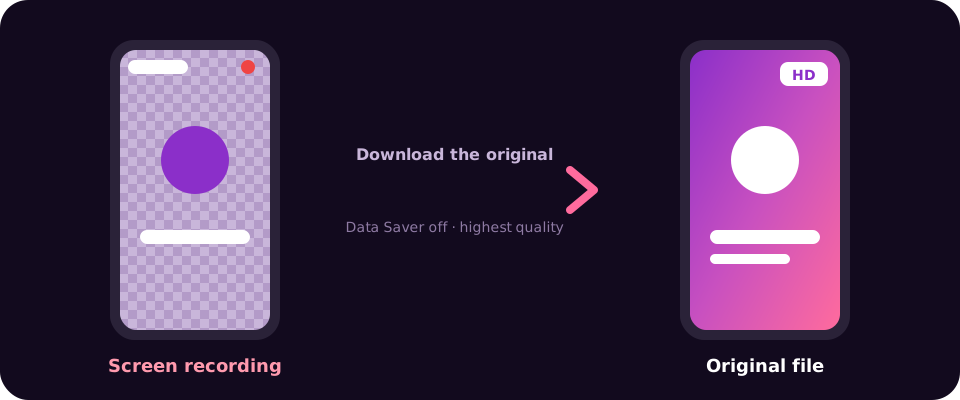
A few tips that make a real difference:
Skip screen recording.
It records your screen, not the video file, so quality drops and buttons appear in the clip.
Turn off Data Saver in TikTok.
With it on, TikTok streams lower-quality video. Find it under Settings → Data Saver.
Pick the highest quality option
if your downloader offers one.
Use the creator's original post.
Re-uploads are often already compressed.
One honest limit: no tool can make a video sharper than the creator made it. If the original was uploaded in low quality, the download will look the same.
Section 07TikTok Video Won't Download? Quick Fixes
If a download fails or never finishes, try these in order:
Check your storage. A full phone can't save new videos.
Check permissions. In Android Settings, make sure TikTok (or your downloader) can access photos and media.
Switch networks. A weak connection can stop a download halfway.
Clear the app cache. Go to Settings → Apps → TikTok → Storage → Clear cache.
Update the app. Old versions sometimes break the save feature.
If none of these work, the video may have downloads turned off or may have been deleted.
Section 08What About the TikTok Watermark?
Videos saved with TikTok's own button always include the watermark. Downloading through a link is the usual way people get a cleaner copy. We cover every option in our guide on how to save TikTok videos without watermark.
Section 09Sharing a Saved TikTok on WhatsApp
Once the video is in your Gallery, open WhatsApp, tap the attach icon, choose Gallery, and pick the video. You can send it in a chat or add it to your status, and your friends can watch it without opening TikTok.
Section 10Save TikToks the Fair Way
TikTok videos belong to the people who made them. Downloading for personal viewing is fine for most people, but ask the creator before reposting a clip, and always give credit.