
Instagram Reels Downloader App: Save Reels, Videos and Photos on Android
Last updated:
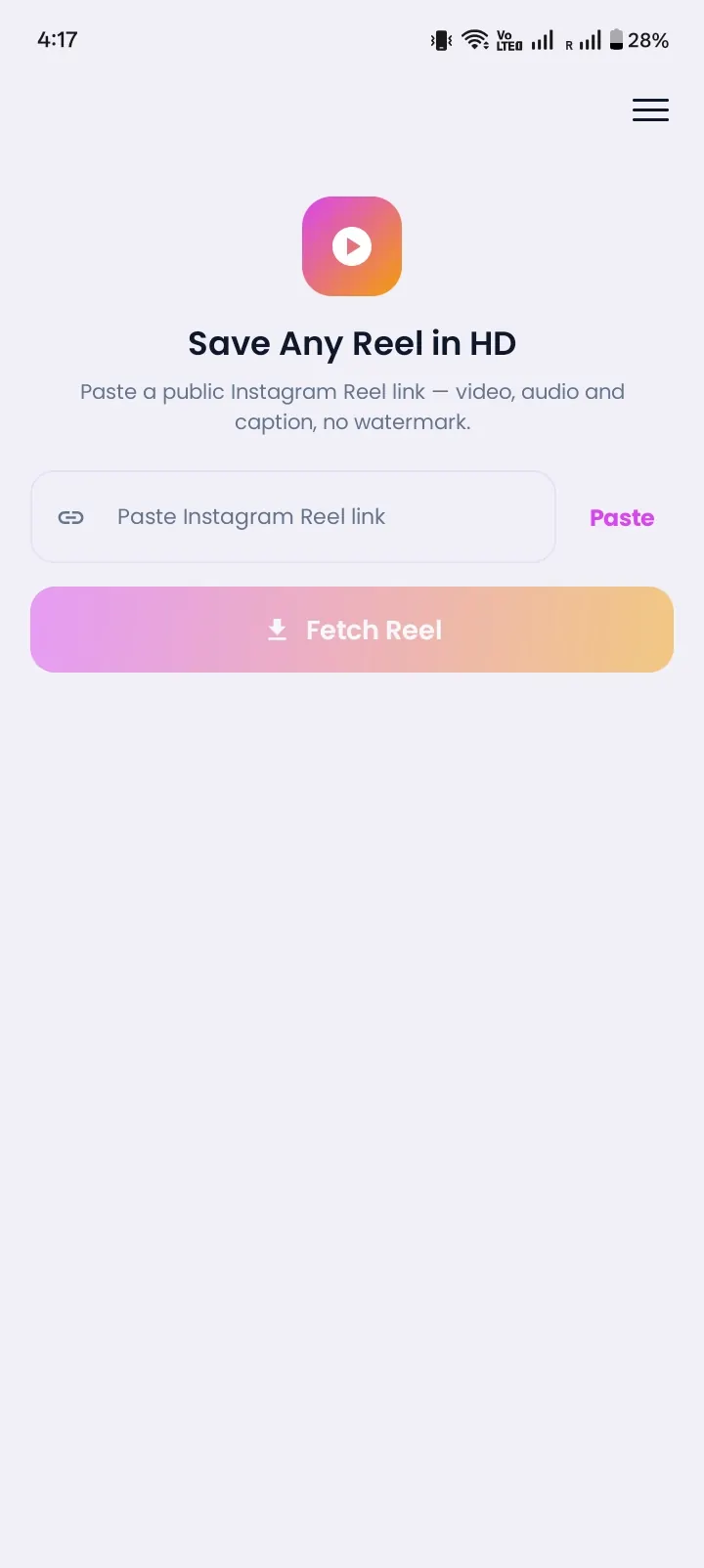
Instonic is a free Instagram reels downloader app for Android. Found a Reel you love? Copy its link, paste it in Instonic, and tap Download. The Reel saves to your phone in seconds. It works for videos, photos, and carousel posts too. No login, and no Instagram password needed.
Quick facts
- App name
- Instonic
- Platform
- Android (Google Play Store)
- Price
- Free, with optional premium plans
- Saves
- Reels, videos, photos, carousel posts, audio, captions
- Login needed
- No
- Works with
- Public Instagram posts only
Why You Need an App to Download Instagram Reels
You need an app because Instagram's own Download button only works for some public Reels, adds a watermark, and can't save photos or carousels.
Here's where the built-in button falls short:
It only works for public accounts.
Creators can turn it off, so the button is often missing.
Every saved Reel gets an Instagram logo and the creator's username on top.
If the Reel uses licensed music, the saved video can come out with no sound.
There's also no button to save normal Instagram videos, photos, or all the pictures in a carousel post. Instonic fills that gap. Paste a public link, and the app does the rest.
How to Download Instagram Videos on Android
To download Instagram videos on Android, copy the post link in Instagram, paste it in Instonic, and tap Download. Here are the full steps:
- 1
Install Instonic from the Google Play Store.
- 2
Open Instagram and find the Reel, video, or post you want.
- 3
Tap Share, then tap Copy link.
- 4
Open Instonic and paste the link.
- 5
Pick the quality you want.
- 6
Tap Download. The file is now on your phone and in your Instonic library.
Want it even faster? Tap Share in Instagram and choose Instonic from the list. No copy and paste needed.
What This Instagram Video Downloader App Can Save
Instonic saves Reels, videos, photos, carousel posts, audio, and captions from public Instagram posts, all in one app.
Reels
short videos in the best quality available.
Videos
normal videos from feed posts.
Photos
single pictures in full size.
Carousels
one picture from a multi-photo post, or all of them at once.
Audio
keep just the sound of a Reel, like a song or a funny line.
GIFs
turn a short moment from a video into a GIF for your chats.
Captions
copy the post text with one tap.
So you don't need one Instagram photo downloader app and another one for videos. It's all in one place.
A Reels Video Downloader App That Keeps Things Neat
Instonic keeps every saved Reel in its own library, so you can find it again without scrolling through your gallery.
In the library you can:
- Put Reels into collections, like "Recipes" or "Funny"
- Add tags and notes
- Mark favorites
- Search to find any file fast
You can also watch saved Reels offline with the built-in player. Great for travel or when your data runs low. And if some videos are just for you, lock them in the private vault with a PIN.
The app is free with a daily download limit. Premium adds batch downloads, Cloud Library, and Cloud Backup if you save a lot.
Instonic vs Instagram's Download Button vs Screen Recording
Instonic saves more types of posts and gives you more control than Instagram's Download button or screen recording.
| Feature | Instonic app | Instagram Download button | Screen recording |
|---|---|---|---|
| Saves photos and carousels | Yes | No | Screenshot only |
| Instagram logo on the video | Not added by the app | Yes | Screen buttons show |
| Choose video quality | Yes | No | No |
| Keeps files organized | Yes | No | No |
| Save audio or make GIFs | Yes | No | No |
If you only save one Reel in a while, Instagram's button might be enough. If you save Reels, videos, and photos often, an Instagram reels downloader app saves time and keeps your phone tidy.
How to Pick a Safe Instagram Reels Downloader App
A safe Instagram reels downloader app is on Google Play, never asks for your password, and only needs a post link.
Check these five things before you install one:
- 1
It's on Google Play. Don't install files from random websites.
- 2
It never asks for your Instagram password. A downloader only needs a link.
- 3
It shows quality options before you download.
- 4
It saves more than Reels. Photos, carousels, and audio in one app means fewer apps.
- 5
It keeps files organized, so you're not digging through your gallery later.
Instonic ticks all five. It's a free Instagram video download app on Google Play, and it only needs a link.
Instonic works with other apps too. Use it as a Threads video downloader app, or see everything it supports on our video downloader app page.
Respect the Creator
Save Reels for personal viewing, and ask the creator before you repost anything.
Reels and posts belong to the people who made them. If you share one, always give the creator credit.
Get Instonic on Google Play