
TikTok Video Downloader App: Save Clean TikToks on Android
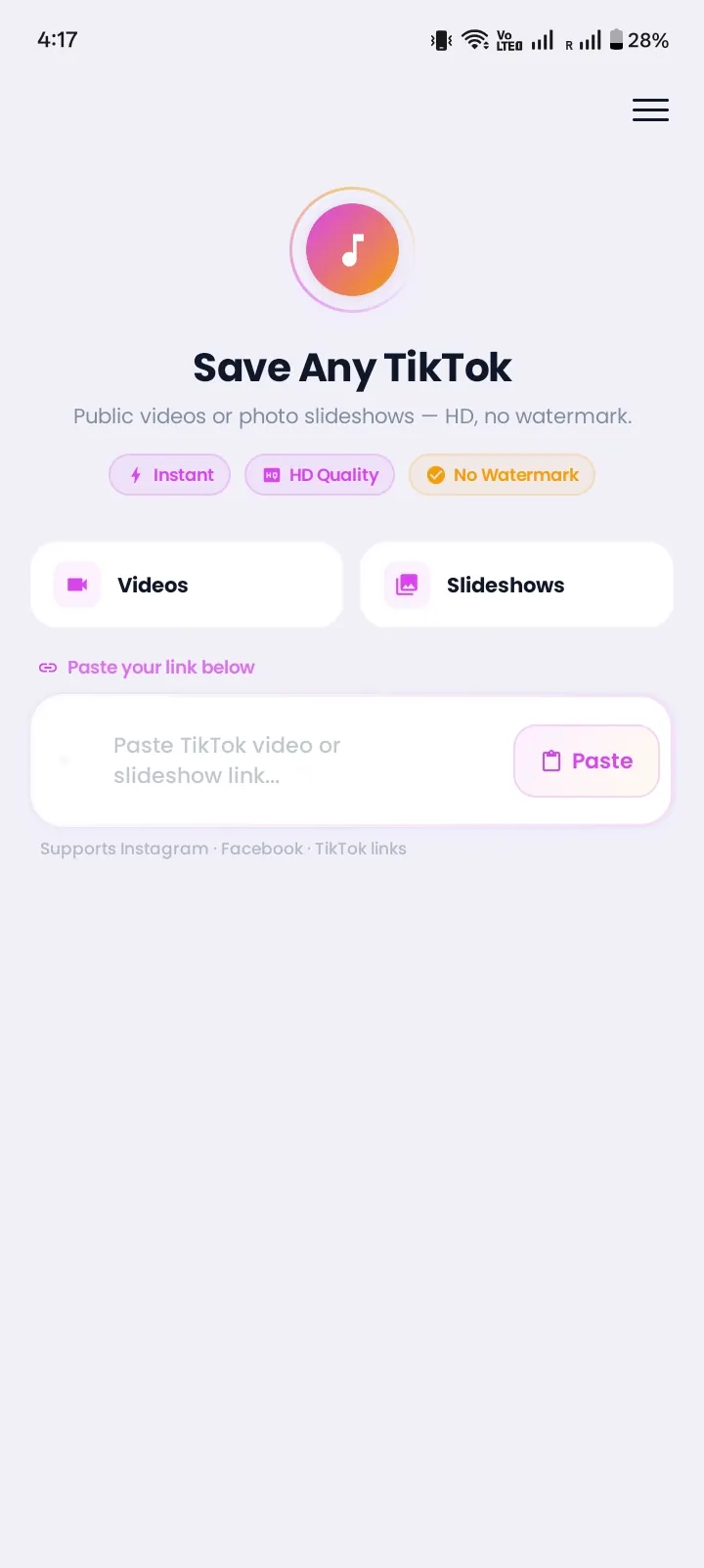
Instonic is a free TikTok video downloader app for Android. Paste a TikTok link, tap Download, and the video lands on your phone without the bouncing username or the logo clip at the end. You can also keep just the sound as an audio file. No TikTok login needed.
At a glance
- Works on
- Android phones (Google Play)
- Cost
- Free, with optional premium
- Saves
- TikTok videos, clean copies without the TikTok watermark, and audio
- Needs
- Only the video link, never your password
TikTok Already Has a Save Button. So Why Install an App?
TikTok's Save video button works, but the copy it gives you isn't the clean video you watched.
Here's what people keep running into:
- 01
The username jumps around the screen.
Every saved clip carries a moving TikTok watermark.
- 02
An extra logo clip plays at the end.
You have to trim it out before you can share the video anywhere.
- 03
The button is sometimes gone.
Creators can turn off downloads, so "Save video" simply doesn't show up. Why the Save button goes missing.
- 04
There's no way to save only the sound.
If you want the song or voice line, you're stuck with the full video.
A dedicated app to download TikTok videos fixes all four. That's the whole reason Instonic exists.
Save a Clean TikTok in 4 Taps
Looking for an app to save TikTok videos? Here's how to download TikTok videos on Android with Instonic:
- 1
Get Instonic from Google Play and open it.
- 2
In TikTok, tap Share → Copy link on the video you want.
- 3
Paste the link in Instonic and pick the quality.
- 4
Tap Download. The clean MP4 goes to your phone and your Instonic library.
Even quicker: in TikTok's Share menu, tap Instonic directly. The app opens with the video ready to save.
Clean Videos: A TikTok Downloader App Without Watermark
Instonic is a TikTok video downloader app without watermark, so the file you get looks like the video you watched.
That matters most when you want to:
Edit the clip. A watermark in the middle of the frame ruins cuts and zooms.
Post it as a status or story. A clean video looks better on WhatsApp or Instagram.
Use it in a school or work presentation. No moving logo to distract the room.
People often search for a TikTok watermark remover app to blur or crop the logo after saving. With Instonic, you skip that step.
You start with a clean copy, so nothing needs to be cropped, blurred, or covered.
Keep Just the Sound: TikTok Audio, MP3, and Songs
Instonic also works as a TikTok audio downloader app. After you save a video, you can pull the sound out and keep it as its own audio file.
People use this to save:
- A trending song they can't find on music apps
- A funny voice line for a ringtone or a meme
- A short speech or tip they want to hear again
If you were looking for a TikTok MP3 downloader app or a TikTok sound download app, this is built in. No second app needed.
Turn Saved TikToks Into a Personal Collection
Most phones bury downloads in a messy gallery. Instonic works as a TikTok video saver app with its own library, so your clips stay easy to find.
Sort videos into collections, like "Workouts," "Recipes," or "Funny"
Add tags and notes so you remember why you saved a clip
Search your saves by name
Watch everything offline with the built-in player
Hide private clips in a vault locked with a PIN
Turn a favorite moment into a GIF to send in chats
That's what makes Instonic more than a basic TikTok video downloader app or TikTok saver app. It's a place to keep what you love.
Is a TikTok Downloader App for Android Safe?
A TikTok downloader app is safe when it comes from Google Play, asks only for a link, and never wants your TikTok password.
Watch out for apps that:
Instonic is on Google Play, works with links only, and never touches your TikTok account.
It's a TikTok downloader app, free on Google Play, with a daily download limit. Premium adds batch downloads and cloud backup if you save a lot.
What Instonic Can and Can't Do
Being clear saves you time:
Can do
- Save public TikTok videos
- Remove the moving watermark and end logo
- Extract the audio as a separate file
- Work as a TikTok downloader for Android
Can't do
- Save videos from private accounts
- Make a low-quality video look sharper
- Download videos that were deleted
- Work on iPhone (Android only for now)
If a video won't download, check that you copied the full link and that the account is still public. More fixes: TikTok video won't download? Quick fixes.
Instonic isn't only for TikTok. The same app saves Reels as an Instagram reels downloader app and works with other platforms too. See them all on our video downloader app page.
Use Saved TikToks Fairly
TikTok videos belong to their creators. Save them to enjoy yourself. If you repost a clip, ask the creator first and tag them.